Sign an agreement
Updated November 12, 2026 · 1 min read
An organization may send an agreement through Missa when it accepts your work. Read the terms, confirm your details and sign only when you’re ready.
Open the organization’s email or the agreement link on your submission.
Under How you’ll appear, check Byline and Contributor bio. Missa may fill these from your profile.
Enter Legal name and address. Your legal name can be different from your byline.
If a tax form is required, choose Country you pay tax in. Missa selects the form.
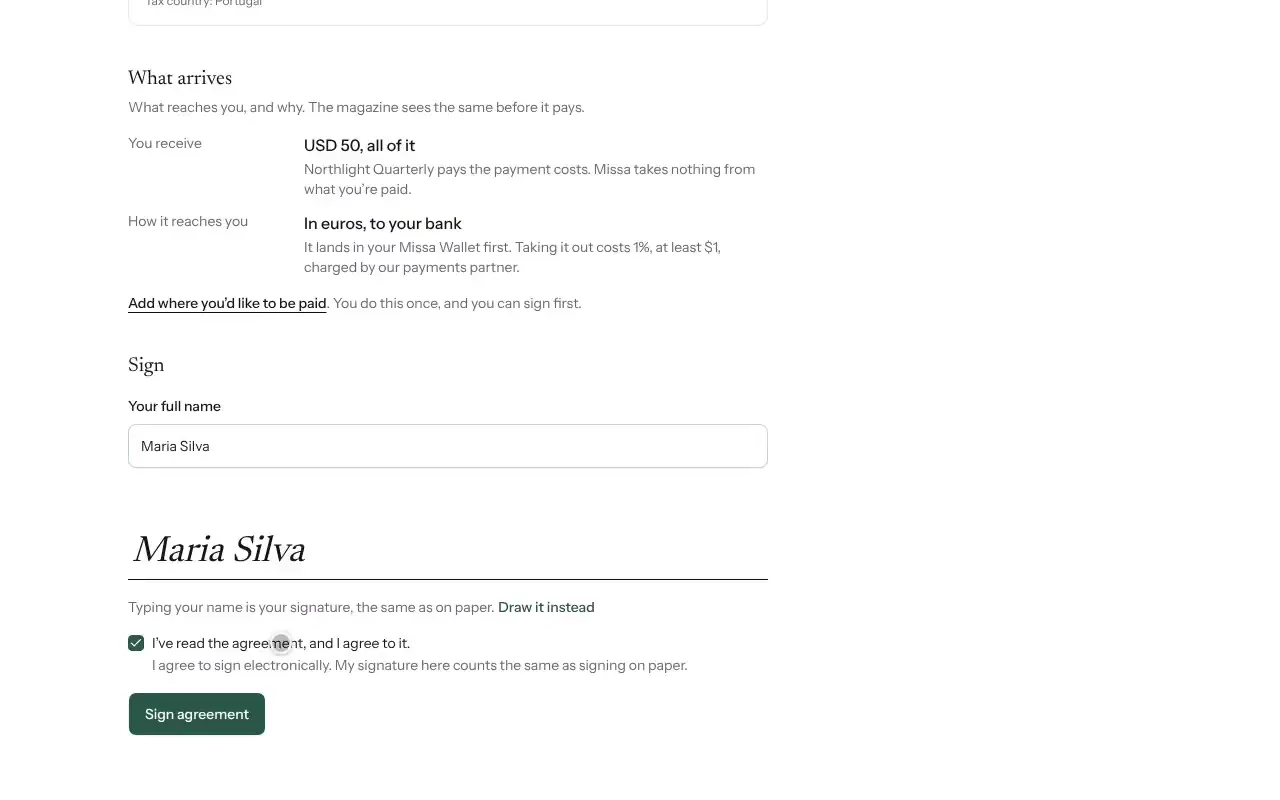
Read the agreement, tick the consent box and type or draw your signature.
Select Sign agreement.
Read before signing
Check the fee, the rights you’re granting and when those rights return to you. Ask the organization about anything unclear before signing.
Good to know
- One signature covers the agreement and any required tax form.
- What arrives shows the amount you receive and how it is calculated. The organization sees the same details before paying.
- Add payout details under Wallet so the organization can pay you.
Was this article helpful?