Join or start a group
Updated November 12, 2026 · 1 min read
Community groups bring together people who share an art form, location or interest.
Join a group
Open Community and choose a group.
Select Join group, or Request to join for a private group.
Start a group
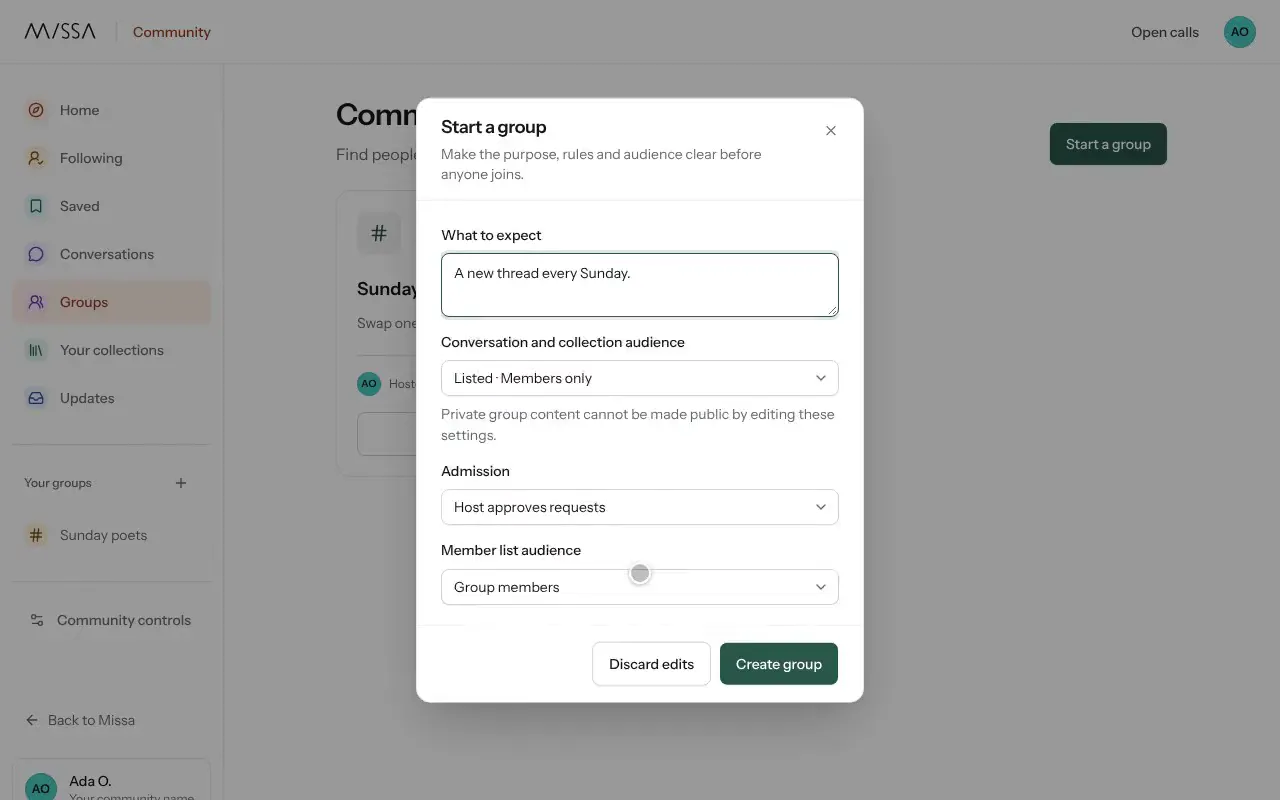
Select Start a group.
Enter the Group name, Purpose, Rules and What to expect.
Choose Public group or Private group, then select Create group.
Good to know
- Only members can read conversations in a private group.
- You can start up to three groups a day and host up to ten at once.
Write the rules before inviting people so new members know what to expect.
Was this article helpful?