Make a collection
Updated November 12, 2026 · 1 min read
Collections bring useful calls and resources together, with notes that explain why each is worth sharing.
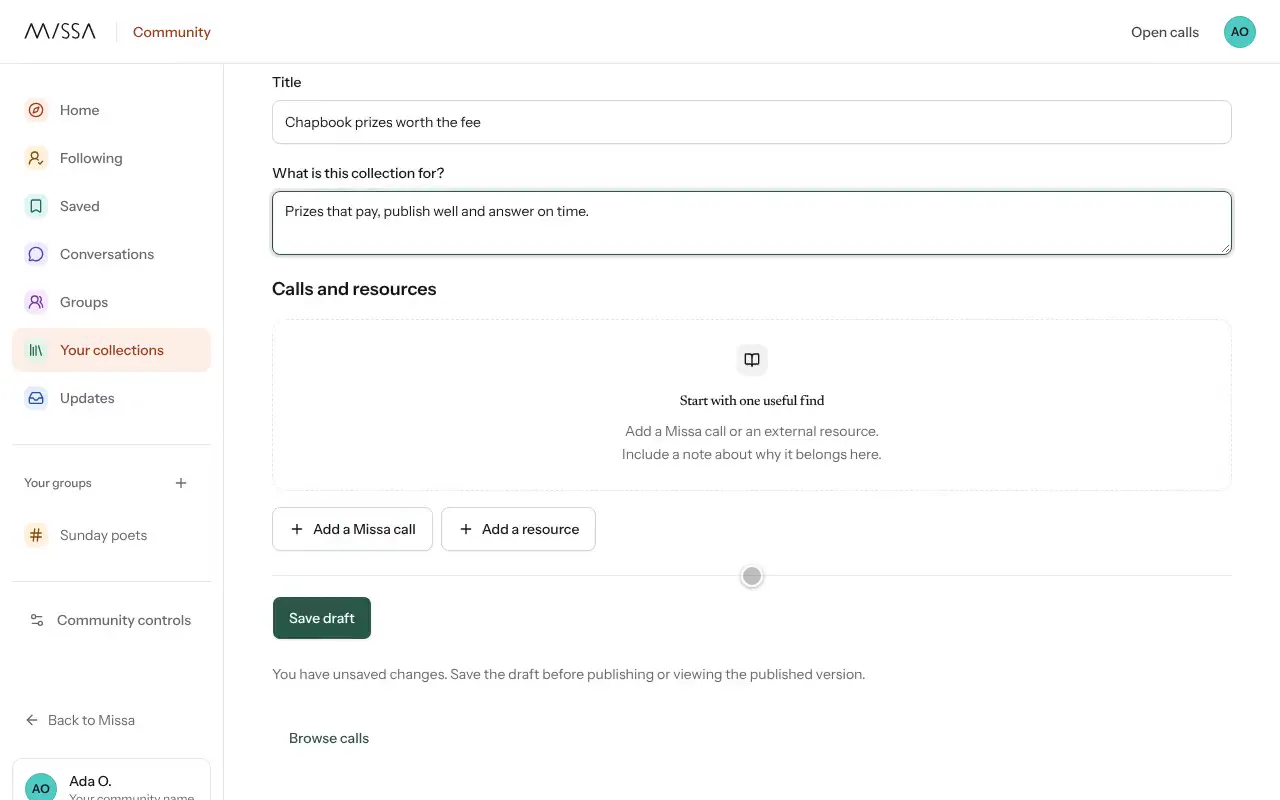
In Community, select New collection.
Paste a Missa call link from a call’s page. For other resources, add an HTTPS Resource link.
Write a brief note about each link.
Select Publish collection.
After publishing
Review the collection occasionally and remove calls that have closed or resources that are no longer useful.
Until you publish, the collection is a Private draft visible only to you and accepted editors. Later edits remain private until you publish them. Select Withdraw collection to remove a collection from public view without losing its draft.
Was this article helpful?