Choose automatic emails
Updated November 12, 2026 · 1 min read
Missa sends certain emails automatically, including submission receipts. You can edit the message writers receive.
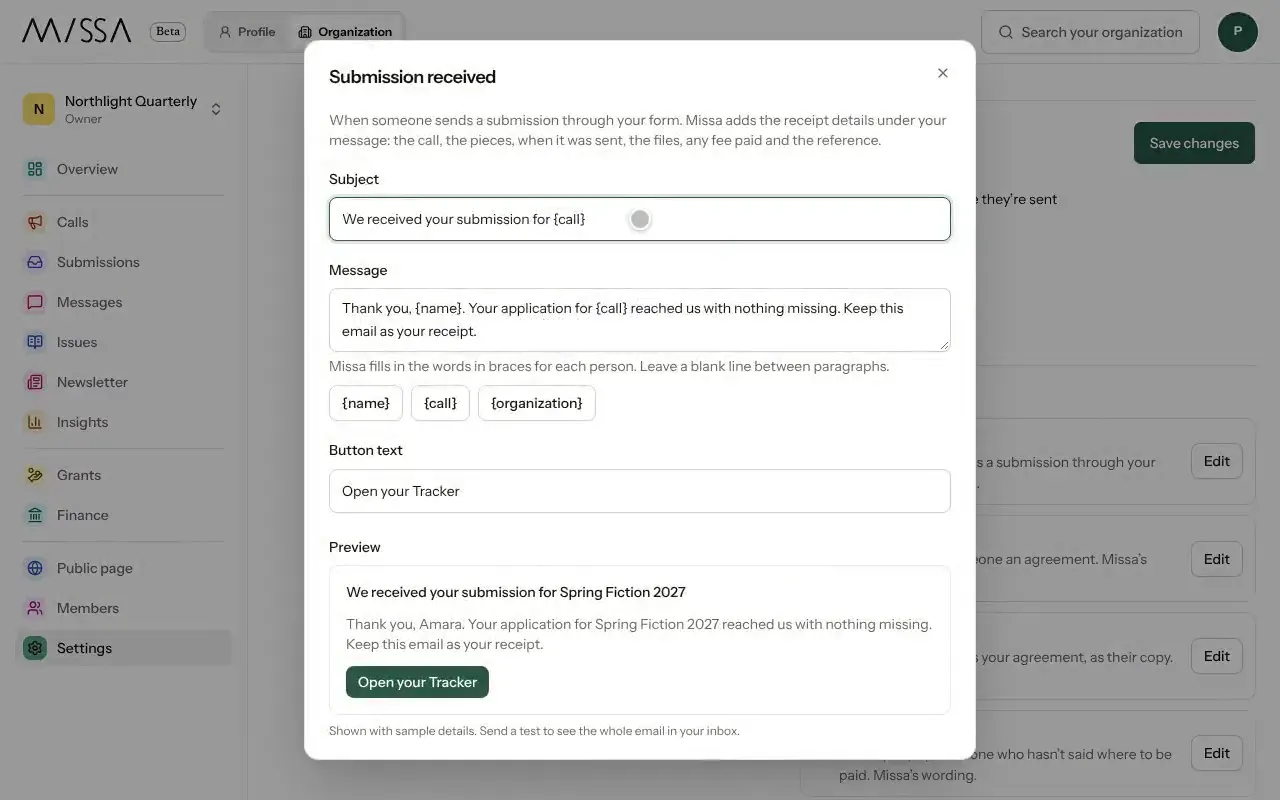
Open your organization and select Settings, then Emails.
Open an email to preview it as writers will see it.
Edit the Subject, Message and Button text. Use Insert a fill-in for details such as a writer’s name.
Save your changes.
Before your call opens
- Tell writers when they can expect a decision.
- Read the complete email, including any filled-in details.
- If you want to check messages before they go out, turn on Review before sending. You can turn it off later.
Good to know
You can restore Missa’s default wording if you want to start again.
Was this article helpful?