Find grants for your organization
Updated November 12, 2026 · 1 min read
Grants suggests funding opportunities your organization may be eligible for. It also keeps commonly requested application documents in one place.
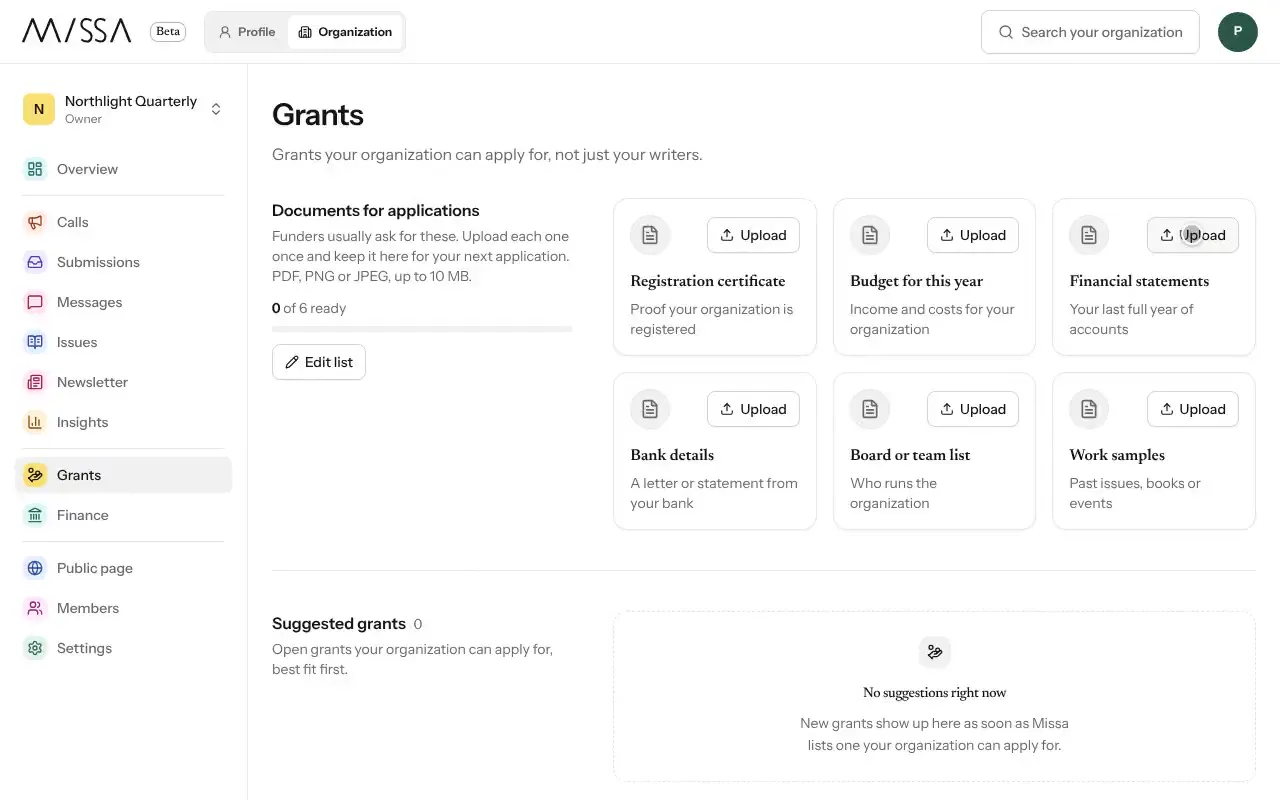
Open your organization and select Grants.
Review each suggested grant, including Why it’s a match.
If a grant isn’t relevant, select Dismiss and give a reason your team can refer to later.
Under Documents for applications, upload files funders often request, such as registration documents, accounts or an audit report.
Getting ready to apply
Upload your frequently used documents once, before a deadline approaches. Add deadlines for grants you plan to pursue to your calendar.
Good to know
- Accepted file types are PDF, PNG and JPEG, up to 10 MB.
- New suggestions appear when Missa lists grants your organization may be able to apply for.
Was this article helpful?