Send your newsletter as an organization
Updated November 12, 2026 · 1 min read
Your organization can send a newsletter through Missa. Writers can subscribe through a checkbox on your submission forms.
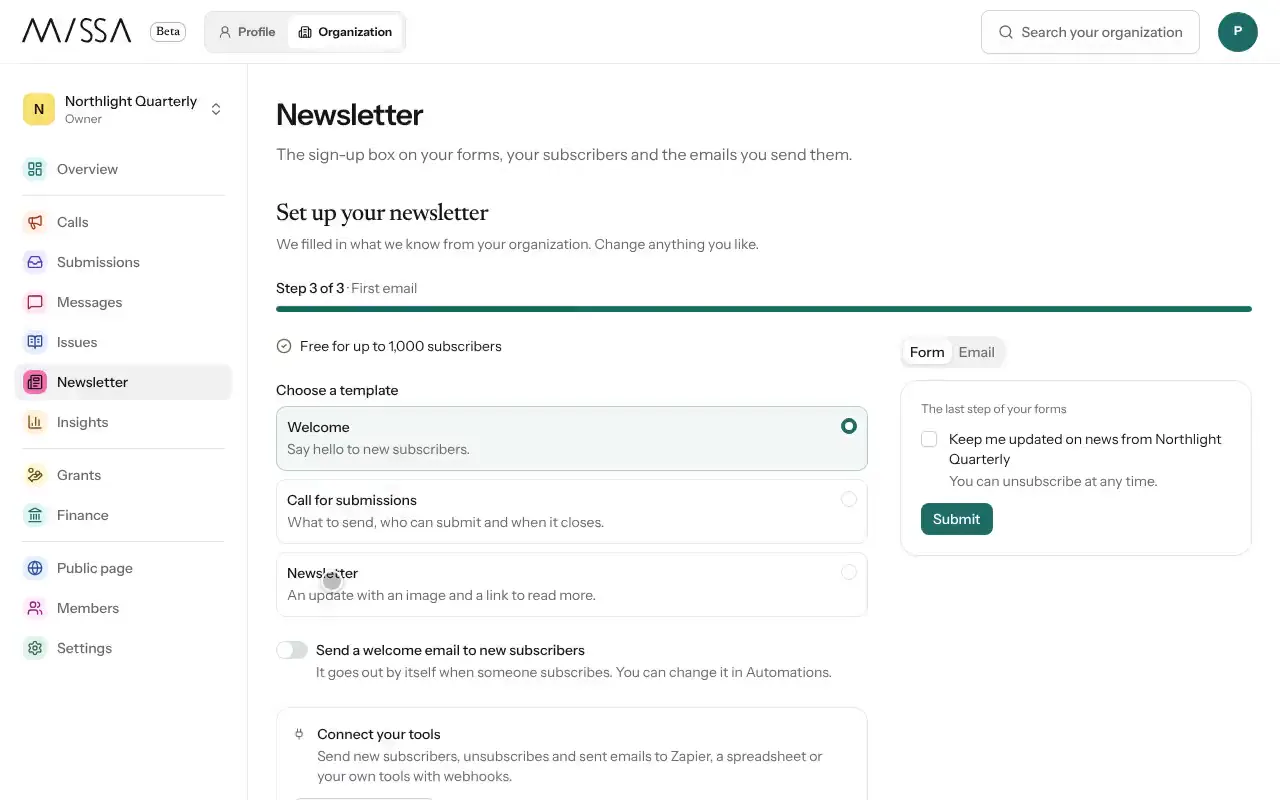
Open your organization and select Newsletter.
Under Sign-up box, write the label and turn it on to add the checkbox to your forms.
Under Subscribers, import an existing list if you have one.
Select Emails to write and send. See Send an email.
Get consent clearly
Write the sign-up label so people know what they’ll receive and how often, such as “News of our calls, once a month.” Import only subscribers who already agreed to receive the newsletter.
Topics, segments, automations and reports work as they do for individual newsletters. Free-plan sending and subscriber limits are listed on Pricing.
Was this article helpful?