Keep your work in Library
Updated November 12, 2026 · 1 min read
Keep finished pieces, files and reusable application material in Library so they’re ready when a call opens.
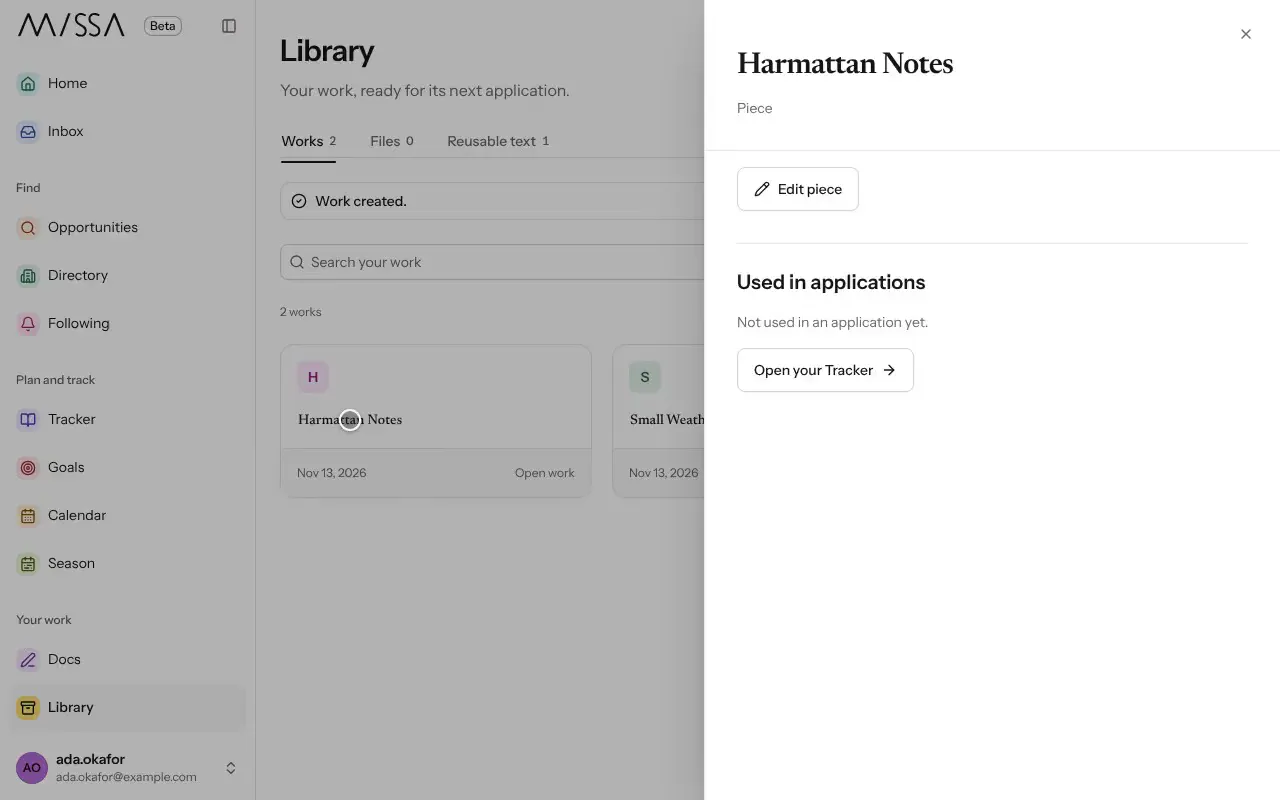
Select Library in the menu.
Select New work. Enter a Work title for a poem, portfolio or project, then select Create work.
Open the work and select Link a file to add the version you want to submit.
Under Describe this piece, add form, genre or theme terms if useful.
Keep the right version
Draft in Docs, then update the linked file in Library when a piece is ready to submit. If you record a submission with that piece, Missa preserves the version you sent; later edits won’t change the submission record.
The descriptive terms you add are private. They don’t determine eligibility or quality. You can delete a work once nothing in your Tracker or checklists links to it.
Was this article helpful?