Publish a call
Updated November 12, 2026 · 1 min read
Publishing makes your call available to writers and opens its submission form.
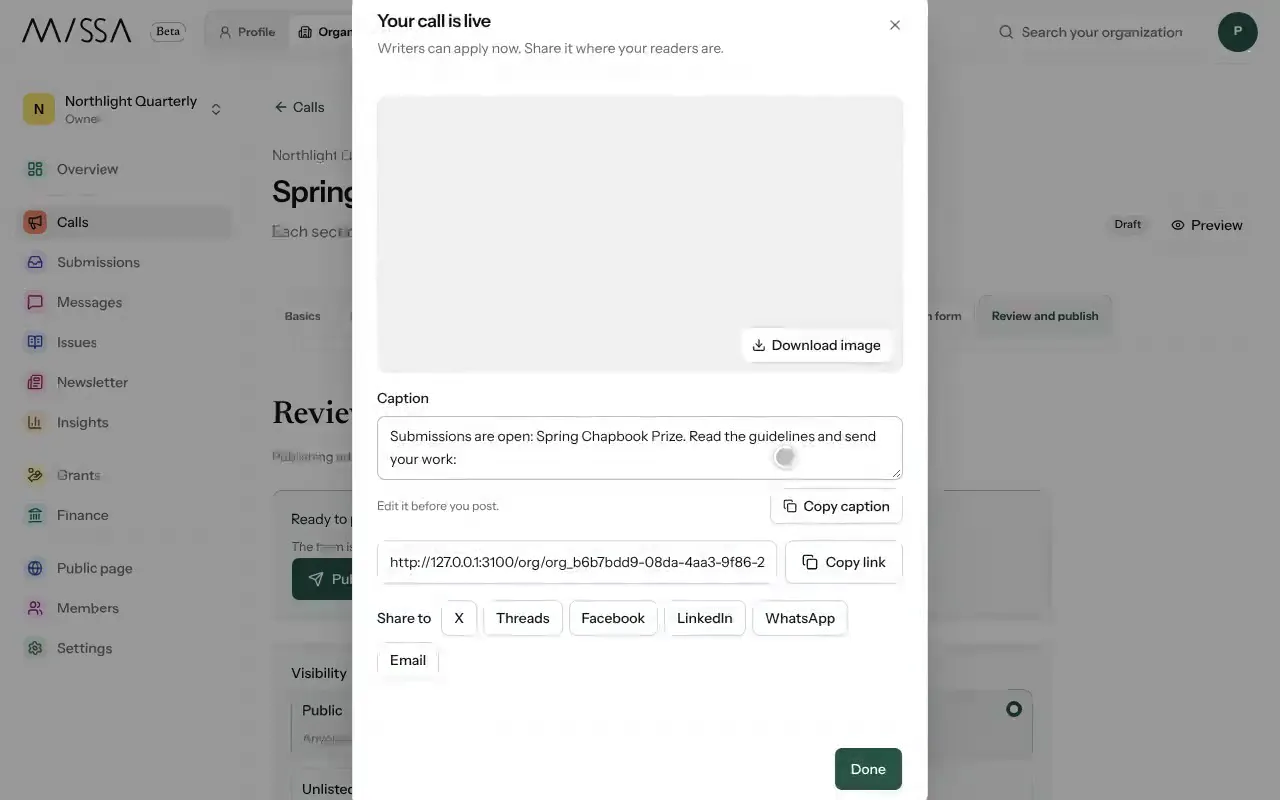
Open the call and select Review and publish.
Under Visibility, choose Public or Unlisted.
Select Publish call, then confirm by selecting Publish call again.
Copy the link, image or caption Missa provides, or share through X, Threads, Facebook, LinkedIn, WhatsApp or email.
Check the published page
Open the call as a writer would. Confirm the deadline, fee, eligibility and submission instructions, then share the page from your usual channels. Give writers time to prepare before the deadline.
Good to know
- Closing a call stops new submissions without removing those already received.
- Writers can apply on Missa, through your public page or using the button on your website.
- Your first call that takes submissions on Missa is free. Taking submissions through another call requires a plan. You can still post calls that link to external forms.
Was this article helpful?