Change what Missa shows you
Updated November 12, 2026 · 1 min read
Missa suggests opportunities based on your discipline, location and interests. You can change these preferences without limiting what you can browse.
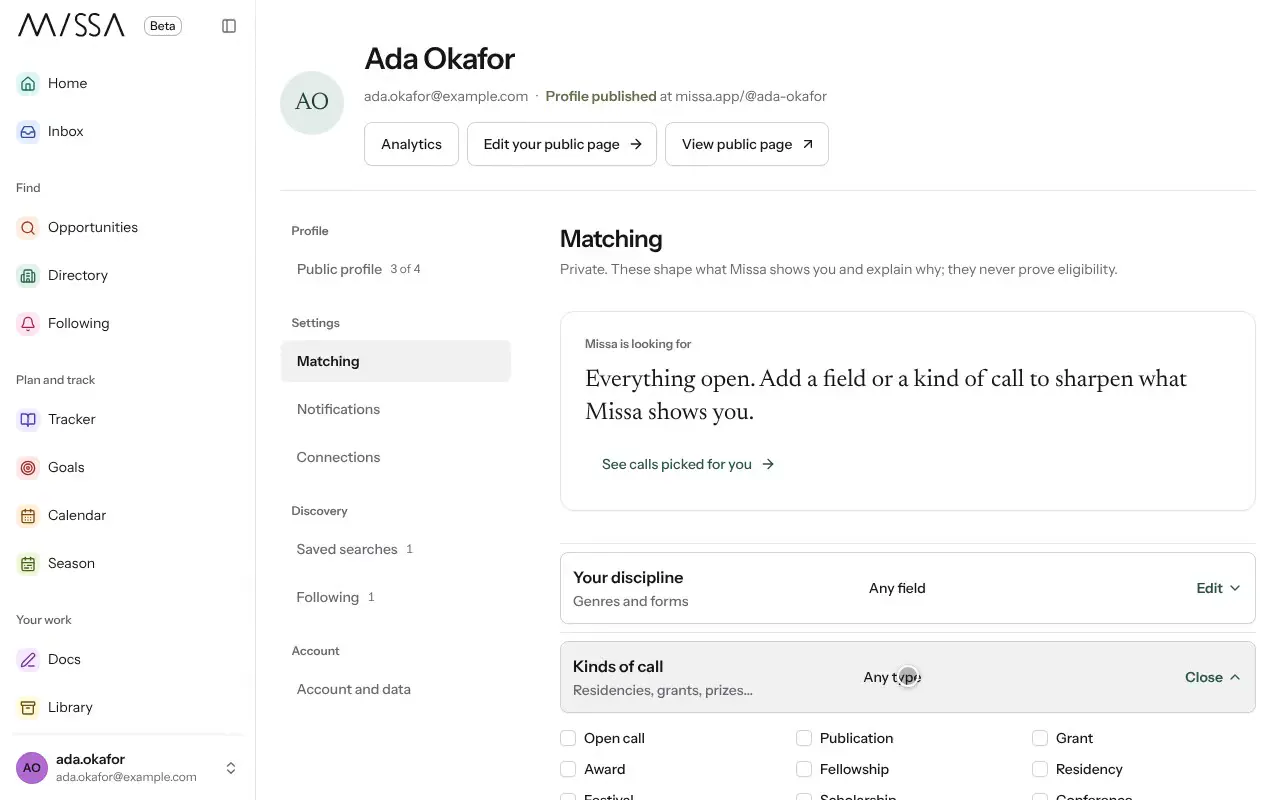
Open Profile and select Matching.
Under Your discipline, choose the closest match. Add a genre or style if useful.
Update your location and the kinds of calls you’re looking for.
Select See calls picked for you to review the suggestions.
Start with broad preferences. Narrow them if the suggestions aren’t useful, and update them as your work changes.
Good to know
Your preferences affect recommendations, not your access to the full list of calls.
Was this article helpful?