Save a search
Updated November 12, 2026 · 1 min read
Save your search filters to hear about new calls that match them.
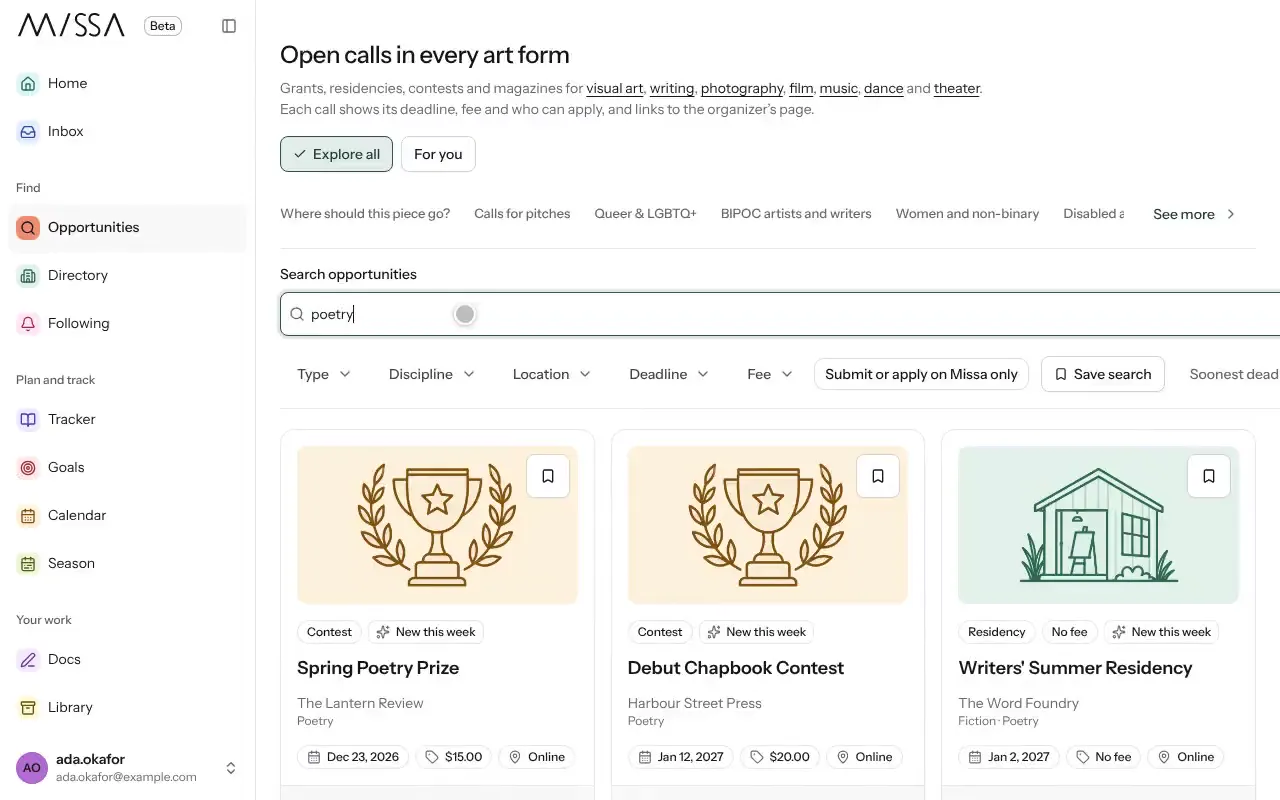
In Opportunities, search and set the filters you want.
Select Save search.
New matches appear under Saved searches and following in your Inbox.
For more useful results, save a few focused searches rather than one very broad search—for example, free-to-enter poetry calls.
Good to know
- You can turn on a daily email of new matches in Inbox under Notification settings.
- Deleting a saved search doesn’t remove calls you’ve already saved in your Tracker.
Was this article helpful?