Follow an organization
Updated November 12, 2026 · 1 min read
Follow an organization or program to hear when it posts new calls, even if its current reading period is closed.
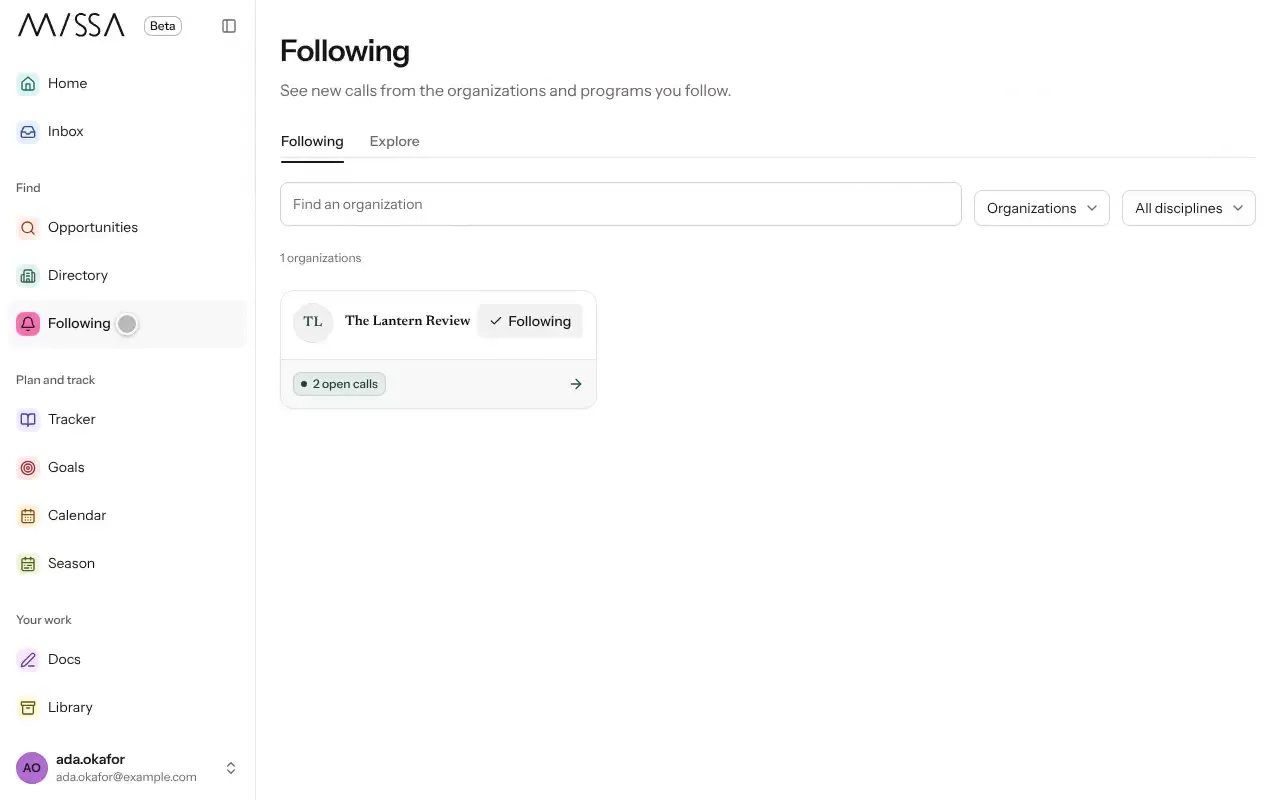
Open an organization’s page or one of its calls.
Select Follow organization.
Open Following in the menu to see the organizations you follow.
To unfollow, select Following on the organization’s card.
New calls from followed organizations appear in your suggestions and Inbox. You can also follow a specific program if you aren’t interested in everything an organization runs.
To control these updates, go to Inbox, then Notification settings and Organizations you follow.
Was this article helpful?