Get suggestions for you
Updated November 12, 2026 · 1 min read
For you recommends open calls based on your discipline, location and interests.
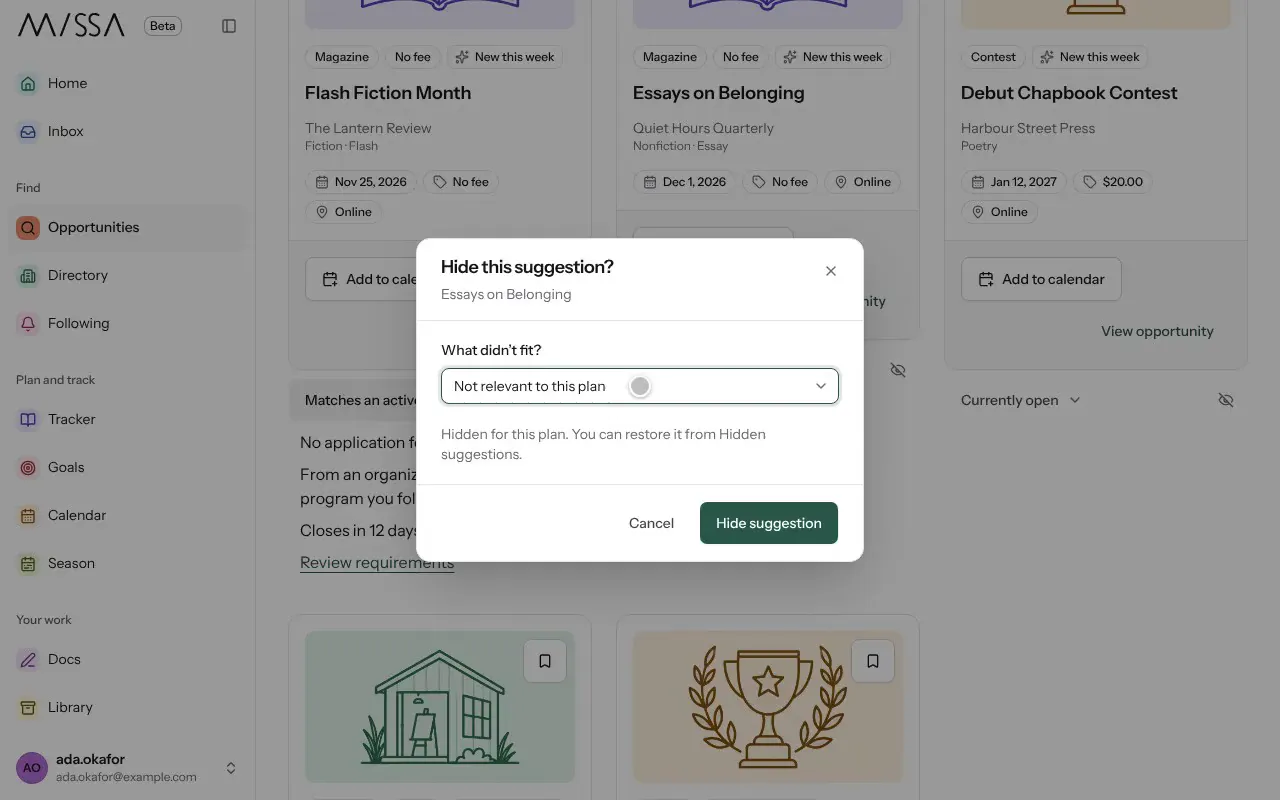
Open Opportunities and select For you.
Select the reason shown under a call, such as “Matches an active goal”, to see why it was suggested.
If a suggestion doesn’t fit, select Hide suggestion and choose a reason, such as Wrong discipline or The timing doesn’t work.
Missa uses your saved calls and goals to improve future suggestions. To adjust what it knows about you, select Edit preferences.
Good to know
Hidden suggestions remain under Hidden suggestions, so you can bring one back.
Was this article helpful?