Follow your setup steps
Updated November 12, 2026 · 1 min read
Your organization’s Overview shows the tasks needed to get your first call ready, with a link to each one.
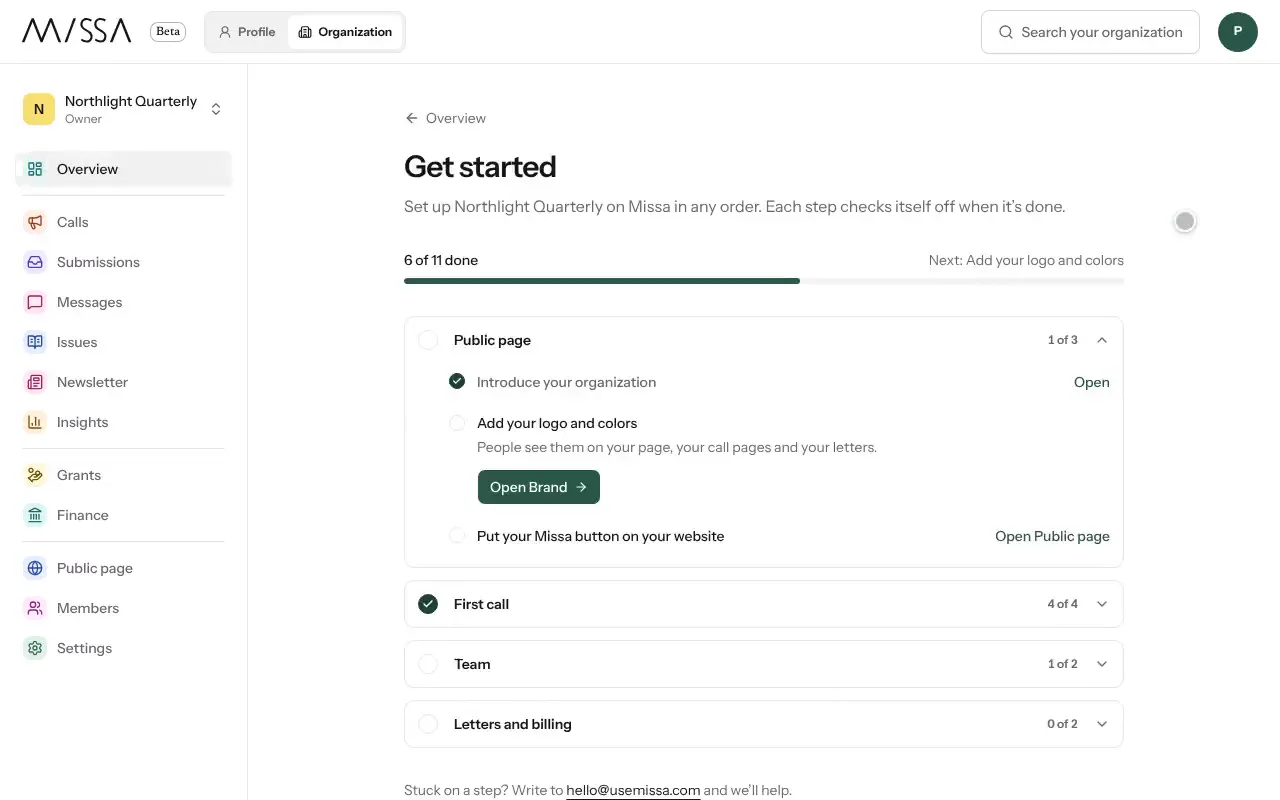
Open your organization and select Overview.
Work through the setup checklist:
- Introduce your organization and Add your logo and colors.
- Invite your team.
- Add a team and a program.
- Create your call, Build the form and Publish your call.
- Put your Missa button on your website.
- Choose who letters come from.
- Open a reading round and Send your first letter.
Complete Get paid only if you’ll charge fees or accept donations.
You don’t have to finish every step before publishing. Once the call and its form are ready, you can publish and return to the remaining tasks.
Moving from Submittable?
Start with Import. Imported forms become draft calls and may complete several setup steps automatically.
Was this article helpful?