Set up your public page
Updated November 12, 2026 · 1 min read
Your organization’s public page introduces your work and shows your open calls. You can also link to it from your own website.
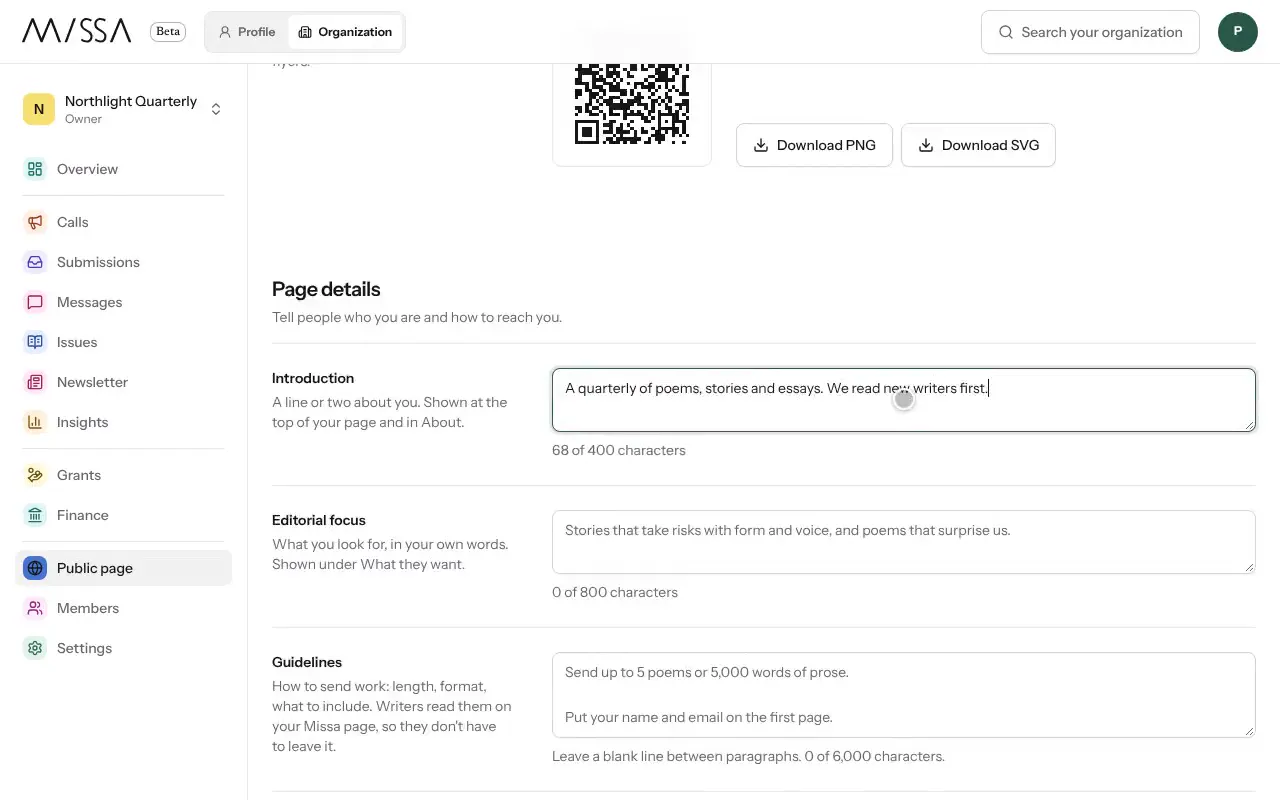
Open your organization and select Public page.
Under Page link, choose an address and select Save.
Under Submit button, choose a button and Color. Select Copy code to add it to your website.
Under Page details, add Introduction, Editorial focus, Guidelines and Email for questions.
Select Save changes, then View page to see the result as writers will.
Write for writers
In the introduction, say what you publish or support and whom the page is for. Put the submission button where readers expect to find it on your website, and check how the page looks on a phone.
Your logo and Brand color are set under Settings, then Brand. They appear on your public page, call pages and letters.
Was this article helpful?