Log out everywhere
Updated November 12, 2026 · 1 min read
If you used Missa on a shared device or lost a device, log out of all your sessions.
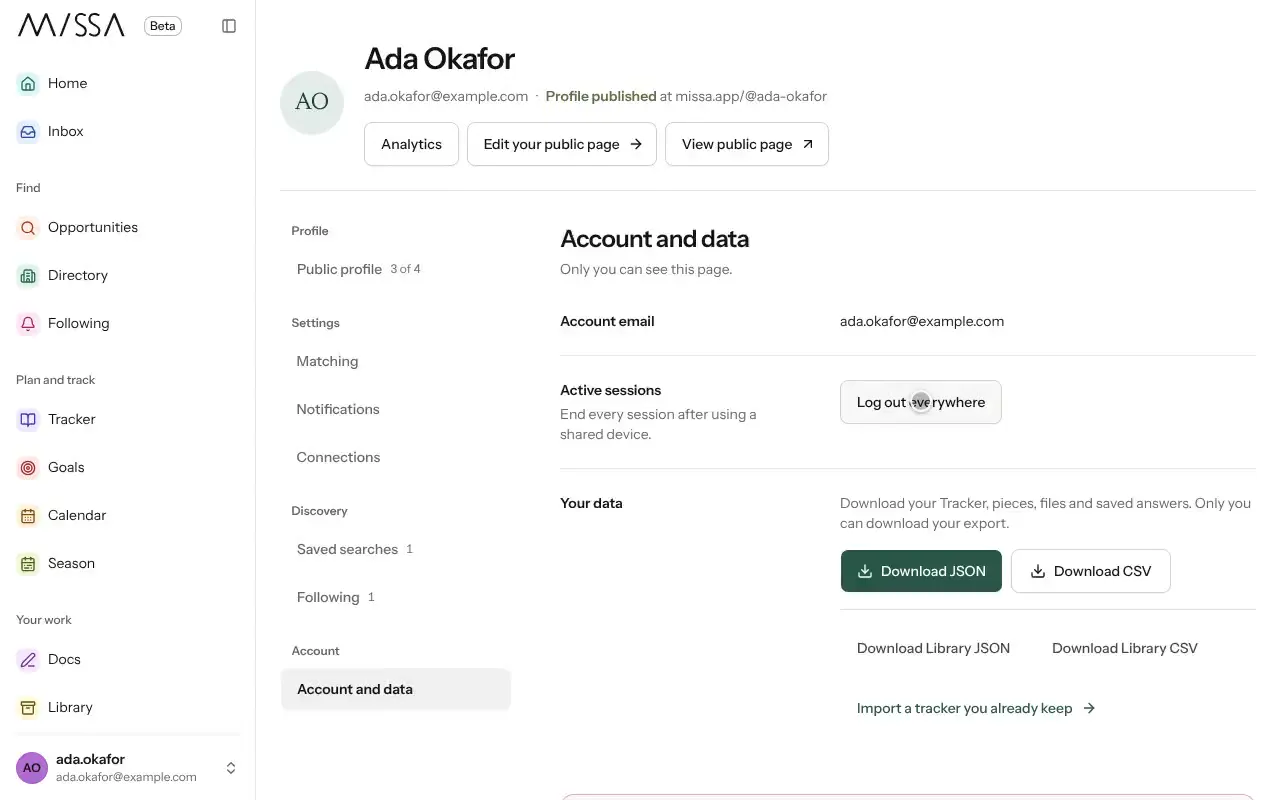
Open Profile and choose Account and data.
Under Active sessions, select Log out everywhere.
You’ll need to log in again on every device, including this one. Your account data won’t change.
If you think someone knows your password, change it too.
Was this article helpful?