Reset your password
Updated November 12, 2026 · 1 min read
Forgot your password? Missa can email you a link to set a new one.
Open Log in and select Forgot password?
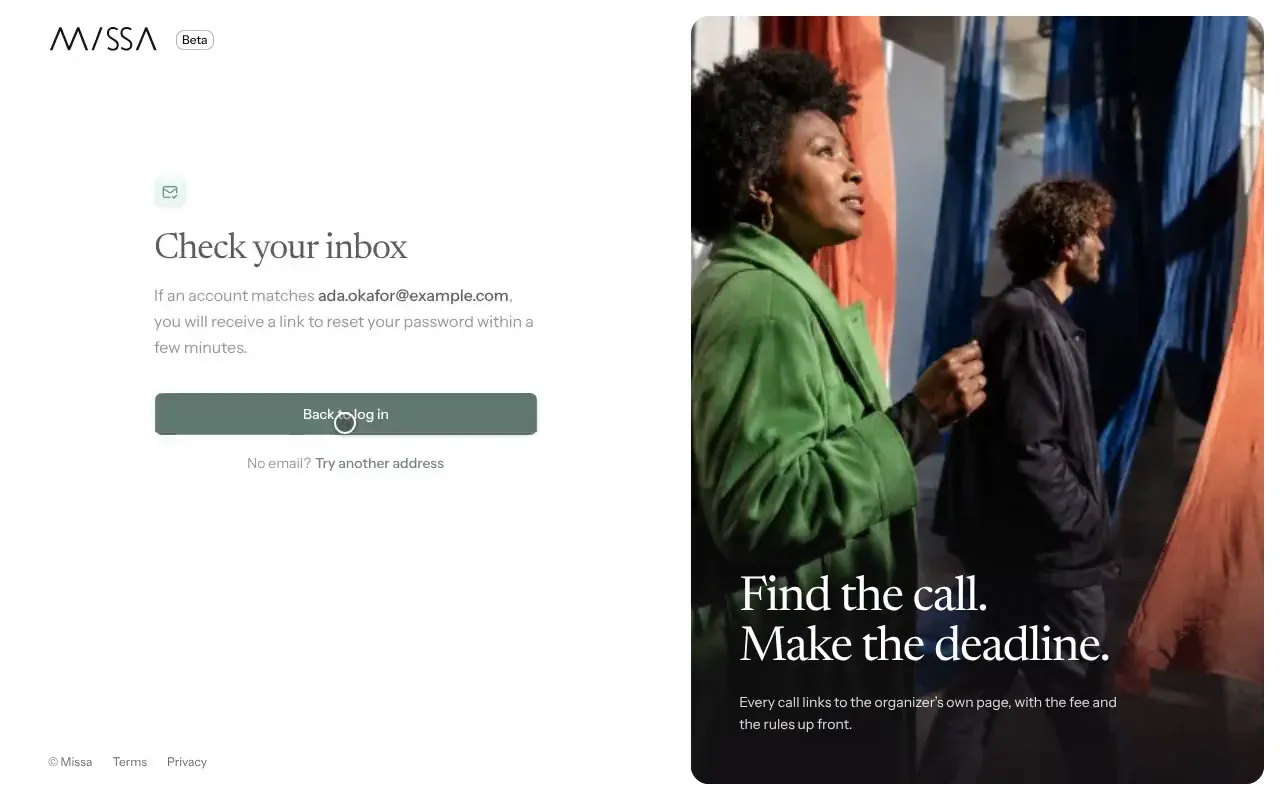
Enter the Email address associated with your account and select Send reset link.
Open the email from Missa and follow the link.
Enter a New password of at least eight characters, then select Set new password.
Didn’t receive the email?
Check your spam folder and confirm you used the address you signed up with. Reset links work only once and expire after a short time. If yours has expired, request another.
Missa will never ask you to share your password by email or message.
Was this article helpful?