Switch to your organization
Updated November 12, 2026 · 1 min read
If you belong to an organization, you can switch between your own account and the organization’s workspace.
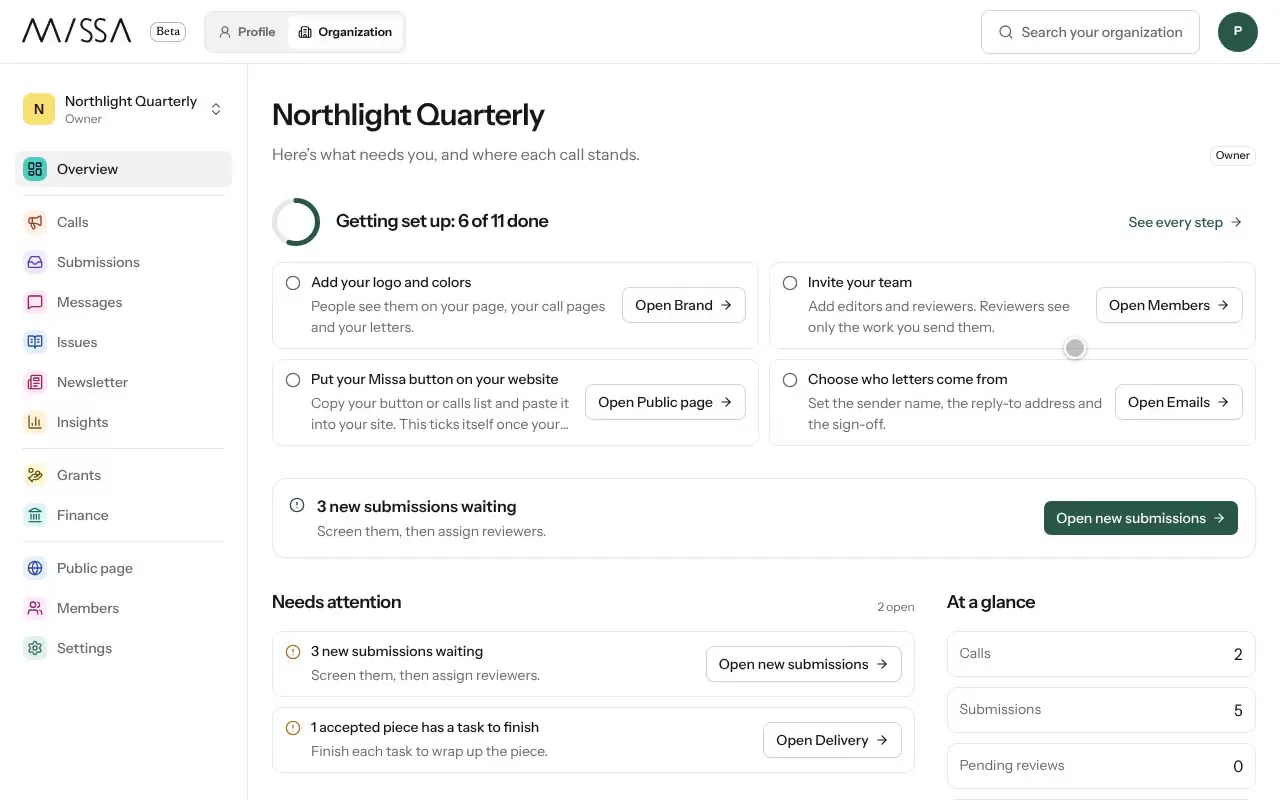
Open the menu and select your organization.
To switch between organizations, use the organization picker at the top of the menu.
Check which workspace you’re in before sending a message or making a change. Your role determines what you can see and do. See Invite your team.
Was this article helpful?