Sign up for Missa
Updated November 12, 2026 · 1 min read
Create a free Missa account to save calls, track deadlines and keep a record of submissions.
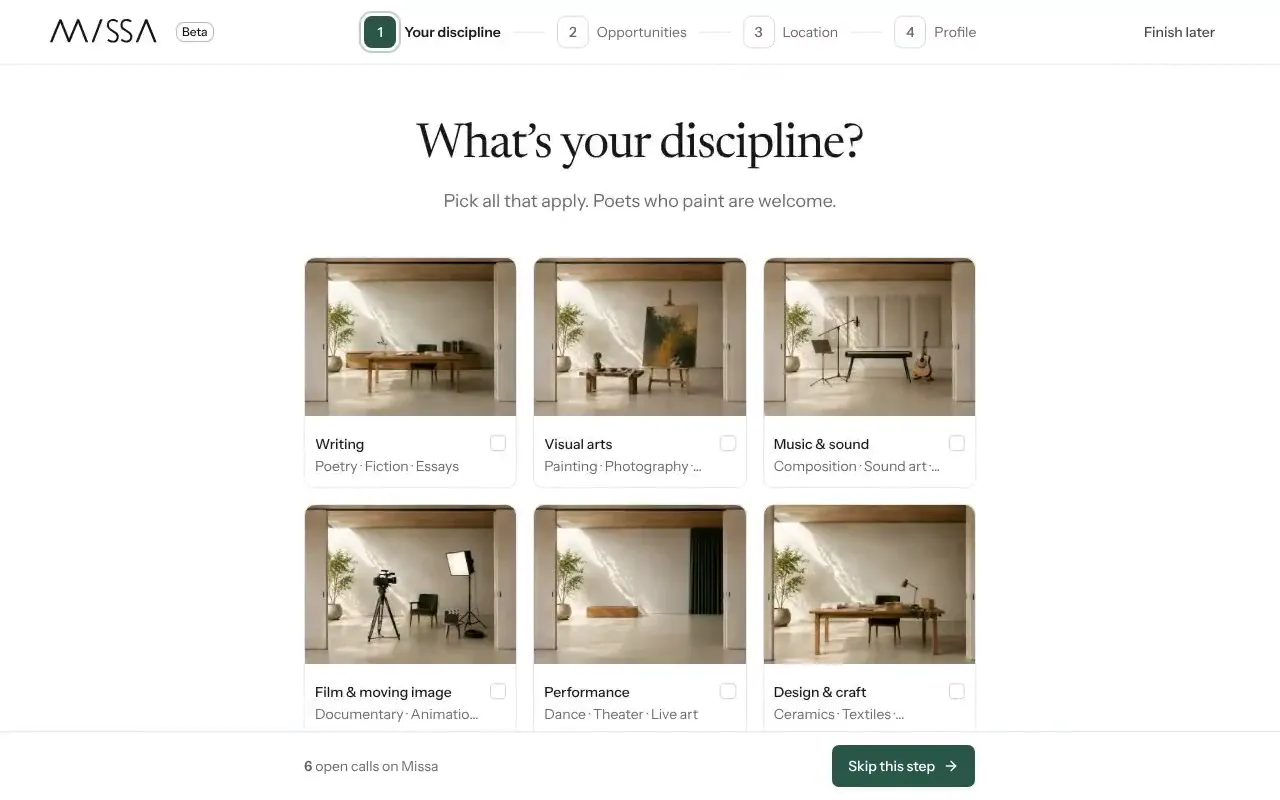
Open usemissa.com/signup and select Sign up.
Enter your Given name, Family name, Email address and a Password of at least eight characters.
Enter the six-digit code Missa sends you and select Verify email.
Complete account setup now or select Finish later.
Didn’t receive the code?
Check your spam folder, then select Resend code. If the email address already has an account, use Log in instead. If you’ve forgotten the password, see Reset your password.
Your saved calls, deadlines and submission records are private. Completing setup helps Missa suggest calls that match your work.
Was this article helpful?