Use Home
Updated November 12, 2026 · 1 min read
Home highlights what may need your attention this week, without making you check every part of Missa.
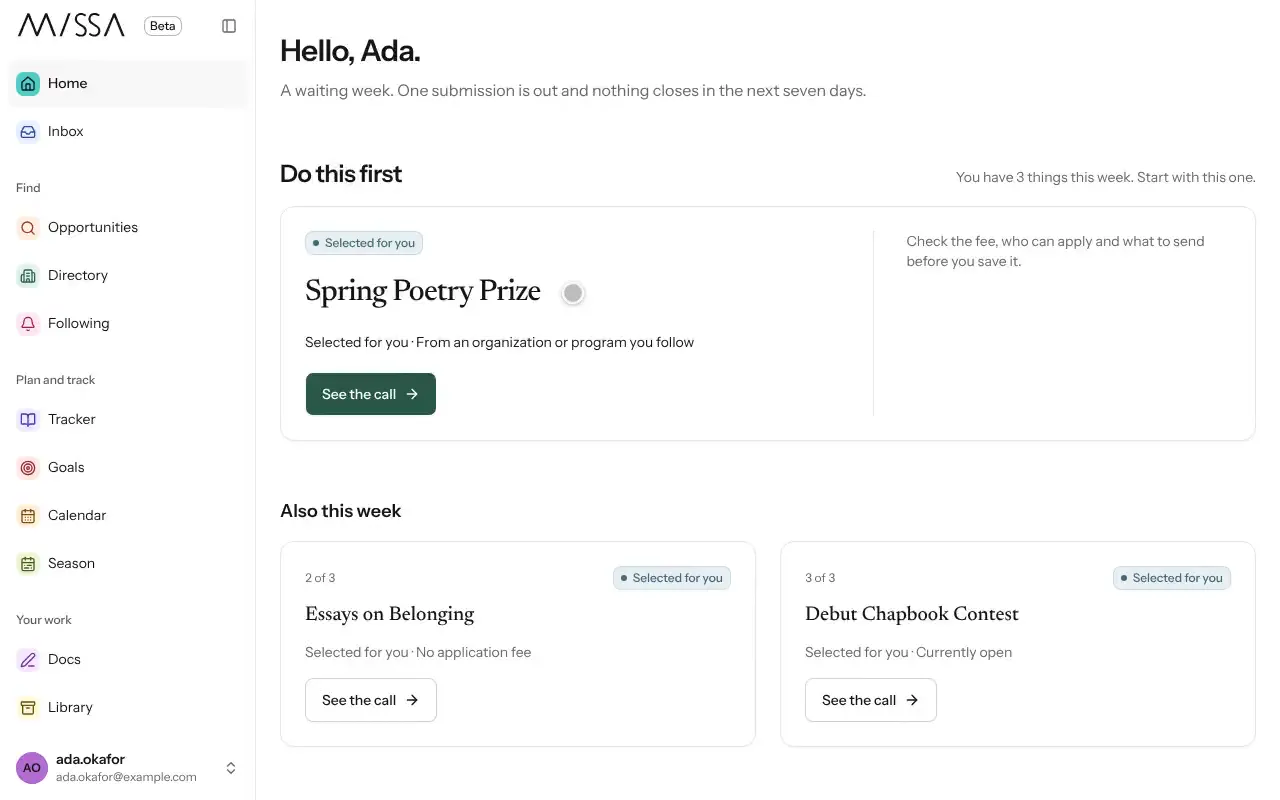
Select Home in the menu.
Under Do this first, open the suggested task—for example, starting an application or logging a reply.
If Missa asks whether an organization has responded, record the reply or select Not yet. Missa checks again in a week.
Good to know
Home uses the calls and responses in your Tracker. When it’s empty, Missa offers Browse open calls, Set a goal or Import your spreadsheet. If nothing is due, you’ll see Nothing needs you this week.
Record replies as they arrive so Missa’s suggestions and numbers reflect your latest submissions.
Was this article helpful?