Send a welcome series
Updated November 12, 2026 · 1 min read
A welcome series sends a sequence of emails to people who newly subscribe, at intervals you choose.
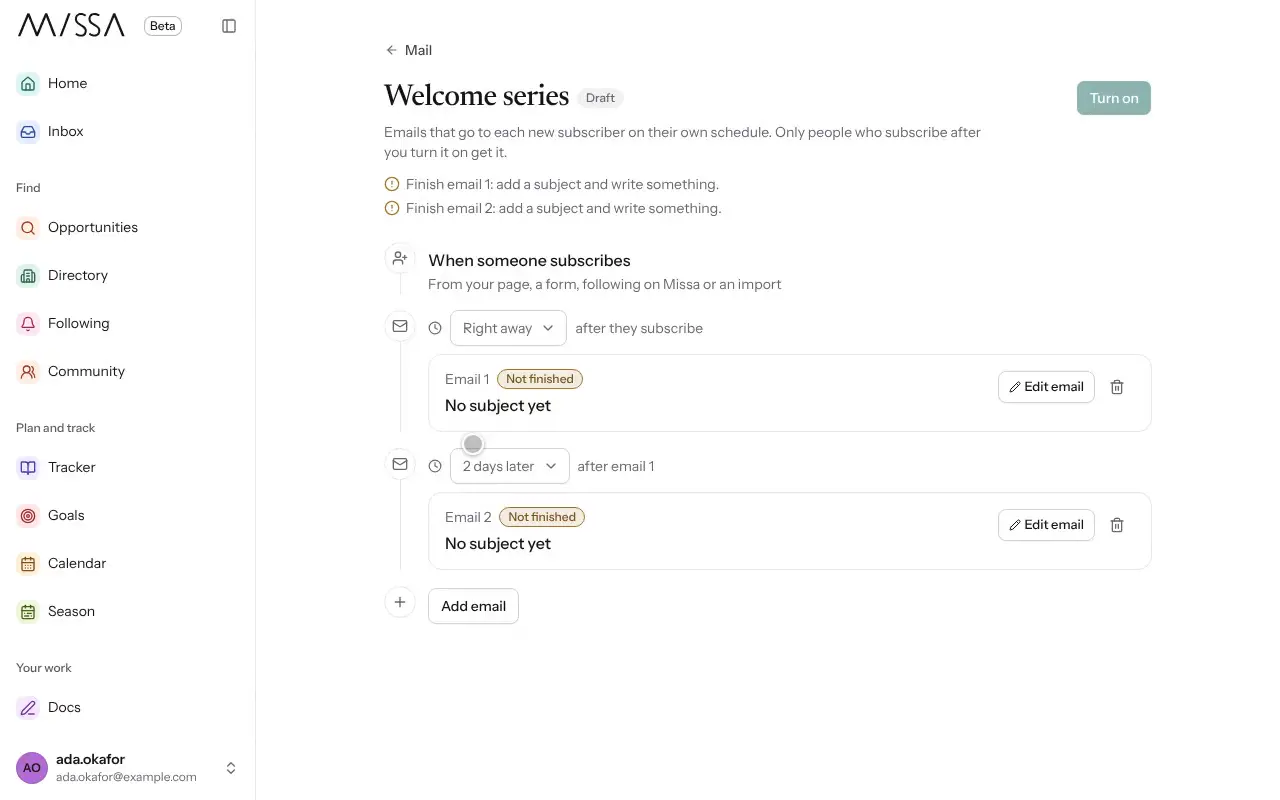
Open Mail, then Automations, and choose Welcome series.
Edit the first email. It goes Right away when someone subscribes.
Select Add email to create the next message, and set its Time delay. Repeat as needed.
Select Turn on.
A simple series might welcome the reader immediately and share a selection of your work a few days later.
Good to know
- Only people who subscribe after the series is turned on receive it.
- Select Pause to stop the series for new subscribers.
Was this article helpful?