Use topics and segments
Updated November 12, 2026 · 1 min read
Use Topics to let subscribers choose the kinds of emails they want. Use Segments to send to groups that match conditions you set.
Topics
Open Mail, then Topics, and select New topic. Name it for the emails it will contain, such as “Monthly letter” or “Calls for submissions”.
Choose whether new subscribers receive the topic by default.
When sending an email, select the topic. Only its subscribers receive it.
Segments
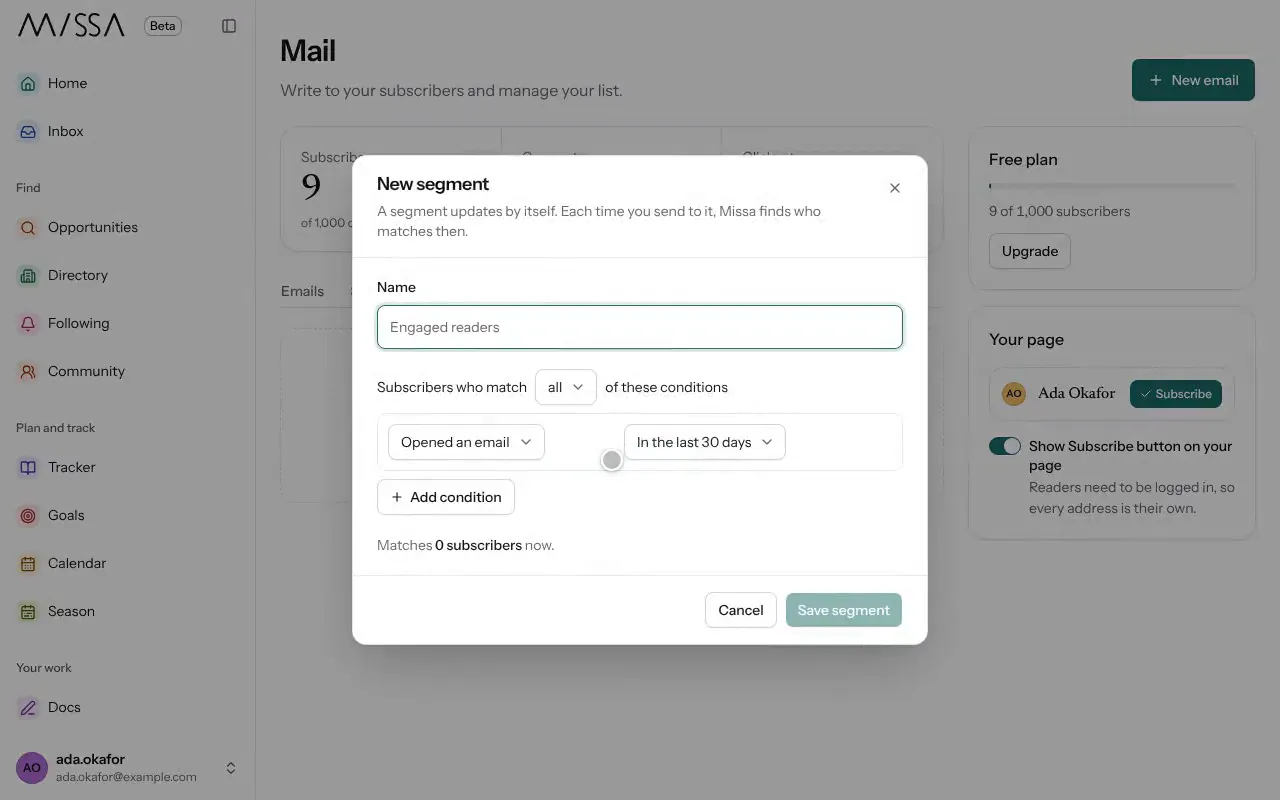
Open Segments and select New segment.
Select Add condition, such as Opened an email in the last 90 days or Country.
Select Save segment.
Good to know
- Until you create a topic, all subscribers receive all emails. Readers can update their topics through their email preferences page.
- Segments update automatically. Missa checks who meets the conditions each time you send to one.
Topics express reader preferences; segments use criteria you choose.
Was this article helpful?