Set screening rules
Updated November 12, 2026 · 1 min read
Screening rules flag submissions that may fall outside your call’s limits. They do not reject work automatically.
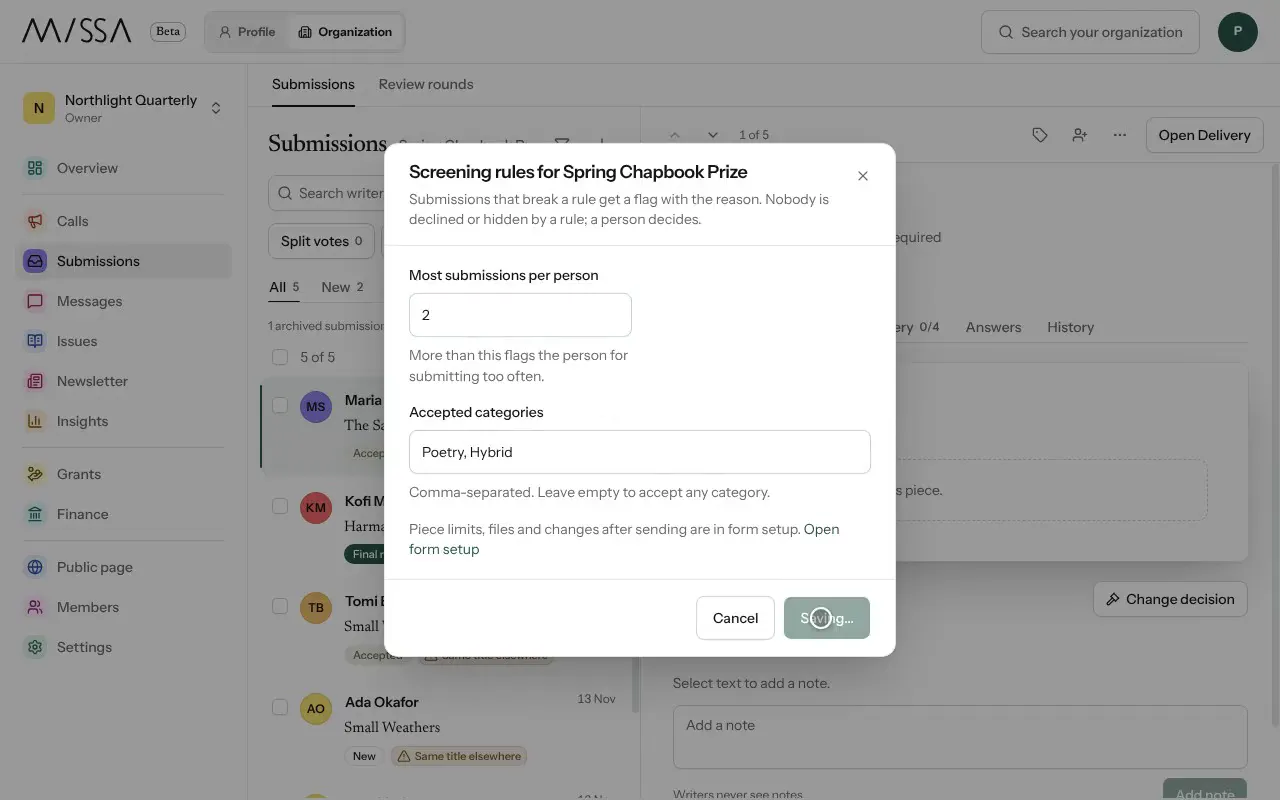
In Submissions, open Screening rules.
Set Accepted categories, separated by commas. Leave this blank if any category is allowed.
Set Most submissions per person.
Select Save rules.
Set rules before opening the call, since they apply to new submissions. Check flagged work regularly; a flag calls for human review, not an automatic decision.
Piece limits, files and post-submission changes are configured in the submission form.
Was this article helpful?