Make a list
Updated November 12, 2026 · 1 min read
Use lists to organize calls in your Tracker—by month, genre or anything else that helps you plan.
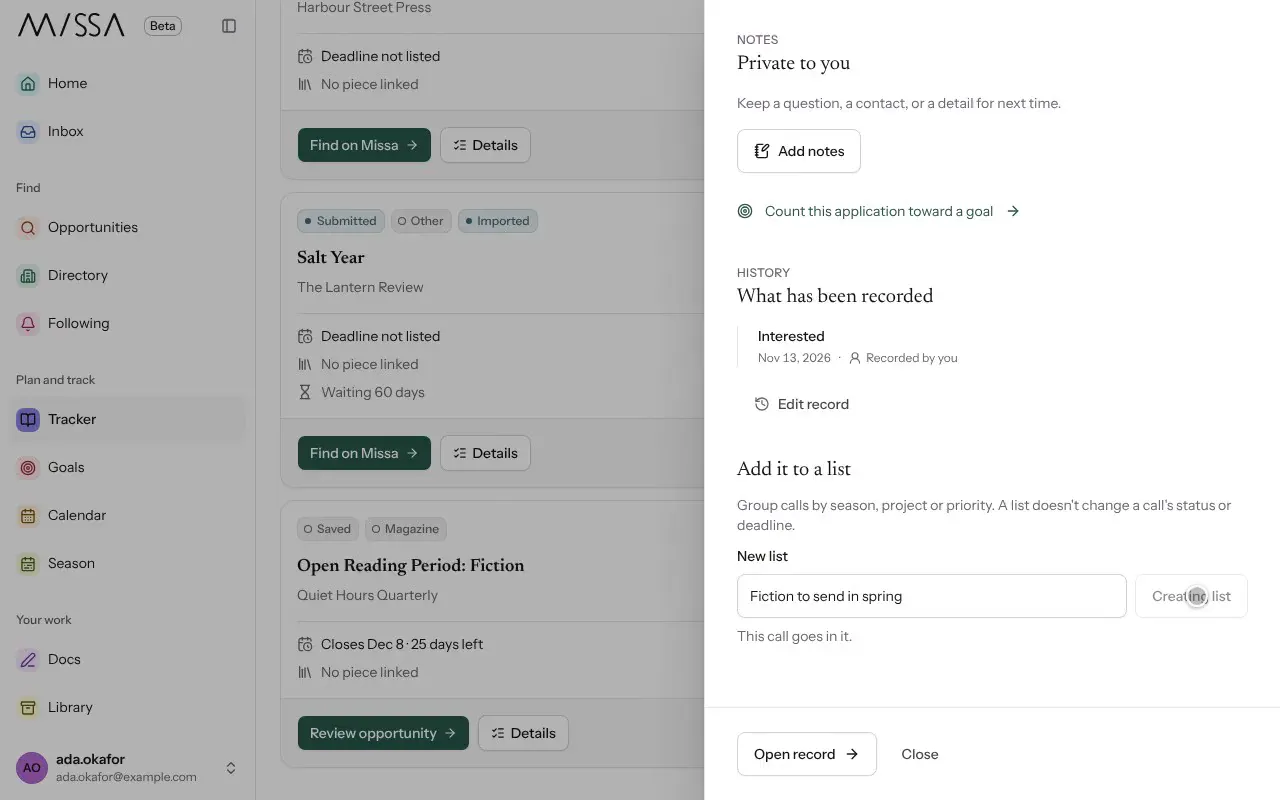
In Tracker, open a call’s Details.
Under Add it to a list, enter a name in New list, then select Create list. The call is added automatically.
To add another call, open its details and select the list.
Deleting a list doesn’t delete the calls in it. They remain in your Tracker.
Was this article helpful?