Use your Inbox
Updated November 12, 2026 · 1 min read
Inbox gathers decisions, reminders and changes to calls you’ve saved.
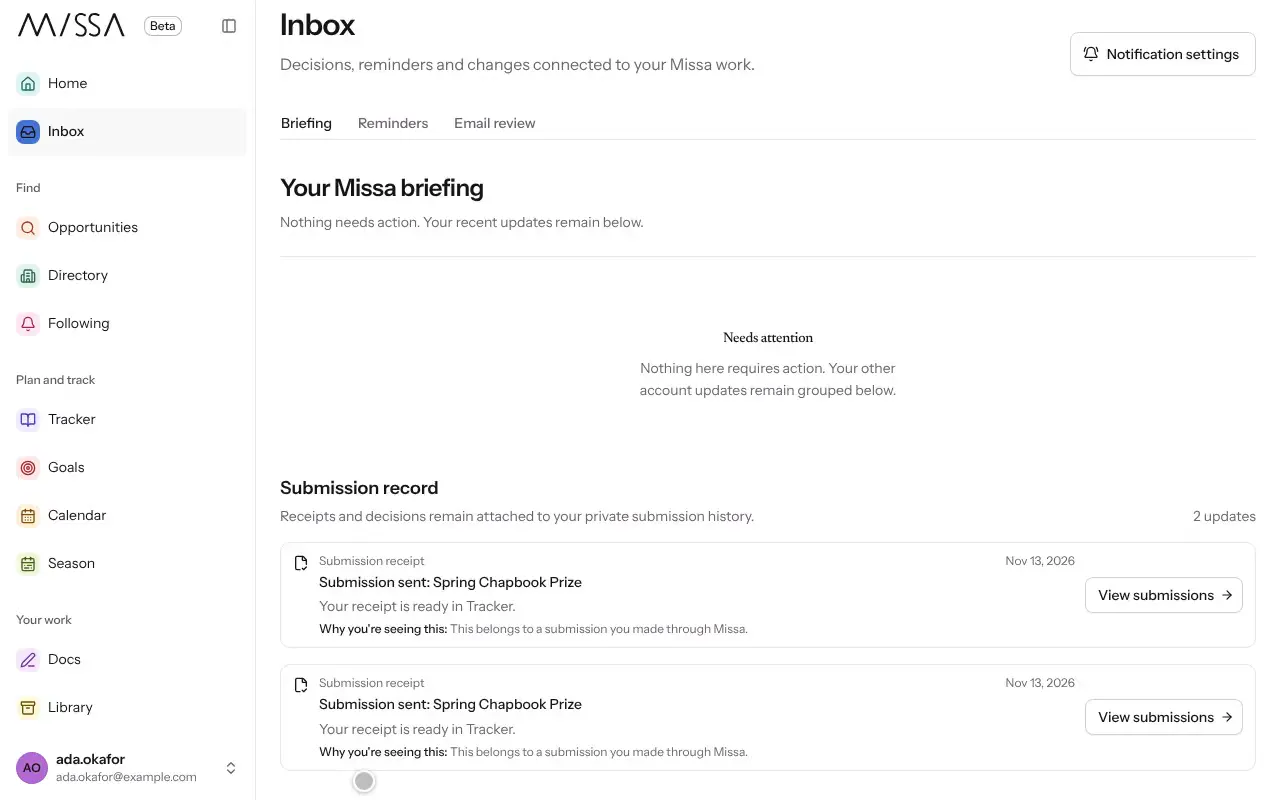
Select Inbox in the menu.
Start with Needs your attention for decisions, reminders and actions that may require a response.
Open an update to read it. Missa marks it as read.
Check Changed in your Tracker for updates to saved calls, and Saved searches and following for newly matching calls.
You can use Notification settings to choose which updates arrive by email and which stay in Inbox.
Clearing an Inbox item doesn’t change the underlying call in Tracker.
Was this article helpful?