Submit through Missa
Updated November 12, 2026 · 1 min read
Some calls accept applications directly through Missa. Your submission record and receipt are saved to your Tracker.
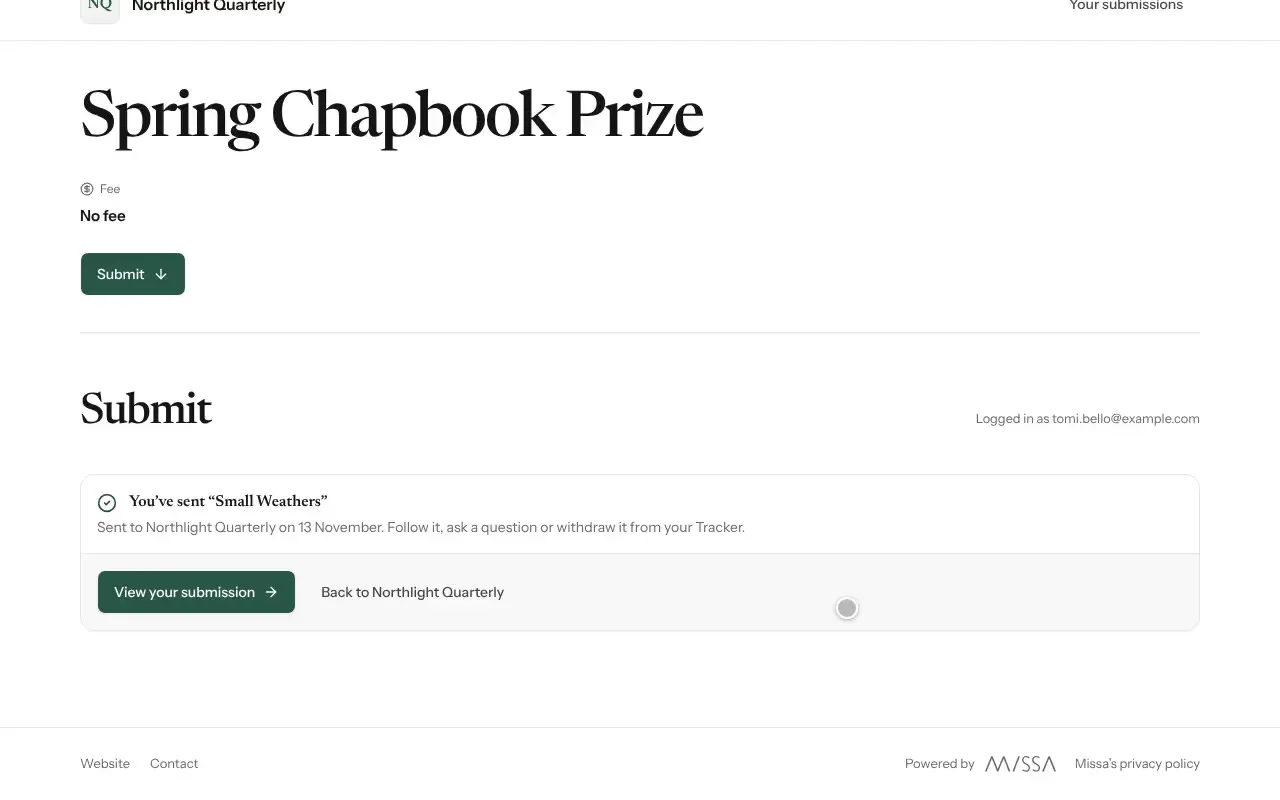
Open the call and select Submit.
Under Your piece, enter a title and attach any files the guidelines require. Select Add another piece if the call allows more than one.
Answer the organizer’s Questions.
Pay the entry fee, if there is one.
Select Review and submit, check your work, then select Submit.
Before you send
Read the form and the call’s guidelines before starting. Check that every attachment is the version you intend the organization to review.
Good to know
- The form Saves as you go, so you can leave and return.
- If you edit the form on another device, Missa may ask you to reload to avoid losing changes.
- Select View your submission after sending to see your receipt and record.
- Entry fees aren’t refunded when you withdraw a submission.
Was this article helpful?