Plan your season
Updated November 12, 2026 · 1 min read
Season brings together your upcoming applications, available time and planned spending.
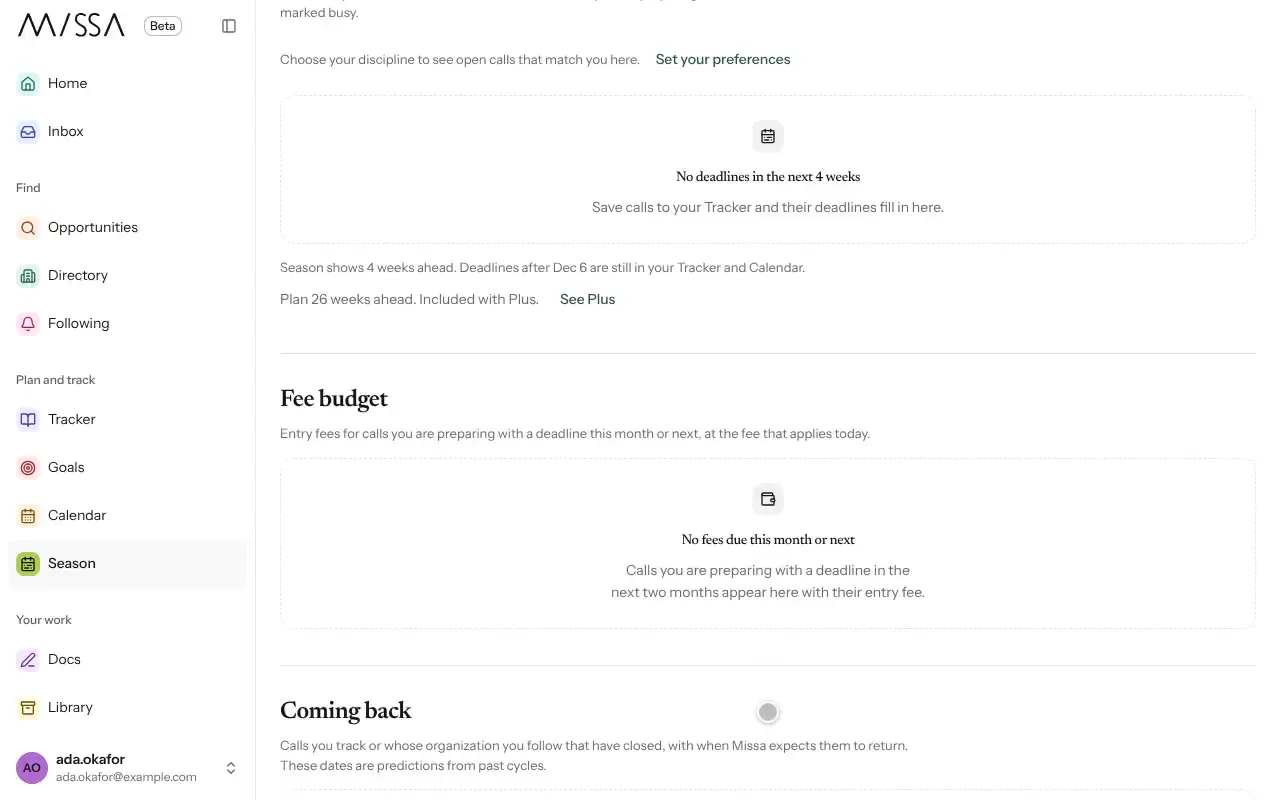
Select Season in the menu.
Check This week’s three for the priorities Missa suggests for the next seven days.
Under Capacity check, enter the hours you have each week. Missa may mark calls Tight or Does not fit and suggest adjustments.
Use Fee budget to review entry fees for this month and next.
Check Coming back for closed calls Missa expects to reopen.
Good to know
- Your year in numbers summarizes submissions, replies and fees for the past 12 months. Select Download CSV to keep a copy.
- Dates under Coming back are predictions based on past cycles, not announcements from the organization.
If your capacity is tight, use it to decide which applications to prioritize rather than treating every suggestion as a commitment.
Was this article helpful?