See your submissions
Updated November 12, 2026 · 1 min read
Every submission you make through Missa has a record of what you sent, when you sent it, your receipt and the organization’s decision.
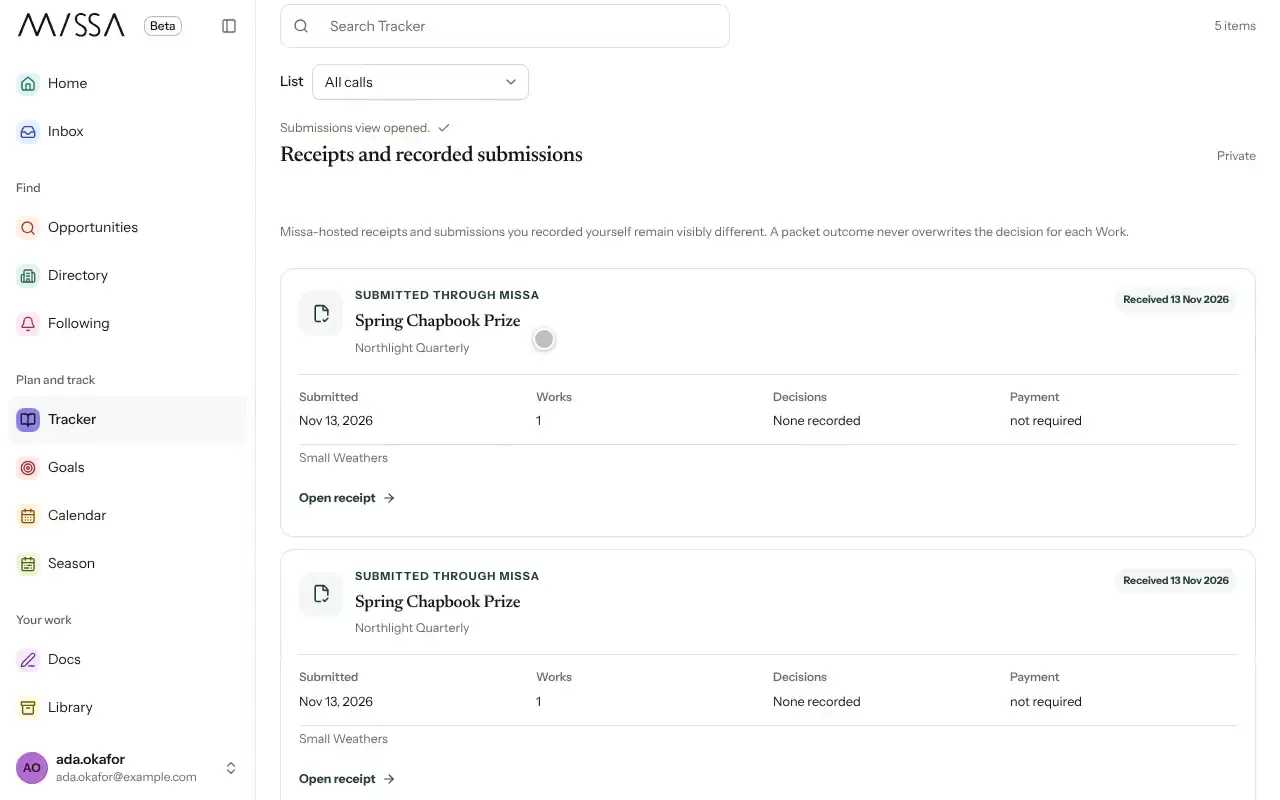
Open Tracker and select Submissions.
Find the submission and select Open receipt to see what you sent and when.
Read decisions and messages there or in your Inbox.
If you need to contact an organization, check the submission date and any response time stated in the call first.
Was this article helpful?