Use your Tracker
Updated November 12, 2026 · 1 min read
Tracker keeps your saved and submitted calls together, including their deadlines, next steps and decisions.
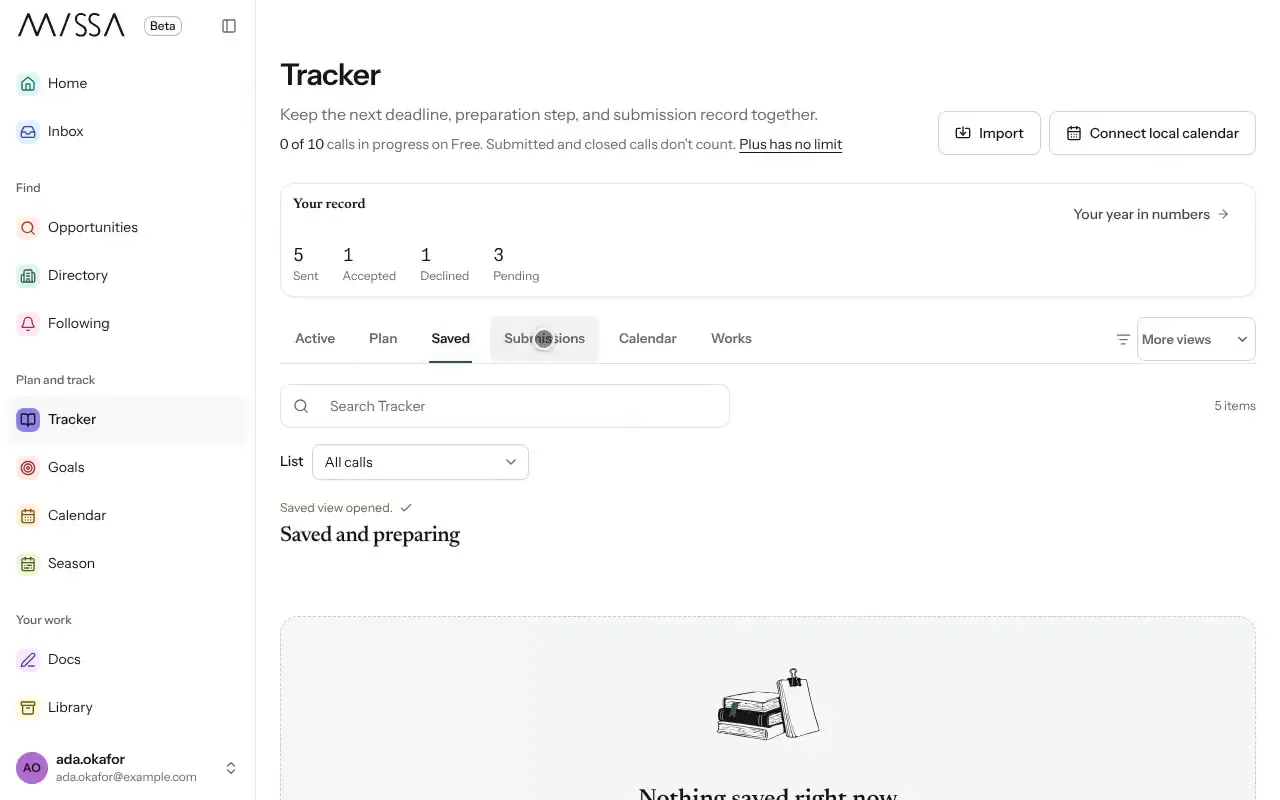
Select Tracker in the menu.
Use Saved, Submissions or Works to see a particular part of your activity.
Open a call to review its details, planned steps and submission history.
Use Search Tracker to find a call, organization, piece or type.
Good to know
- Tracker is private. Organizations can’t see your records.
- Needs attention highlights approaching deadlines and unfinished steps.
- Archiving removes a call from your active lists but keeps it under Archive, in More views.
Review Tracker as often as you need to keep deadlines and applications current.
Was this article helpful?