Export or print
Updated November 12, 2026 · 1 min read
Export a document to share it outside Missa, or print it.
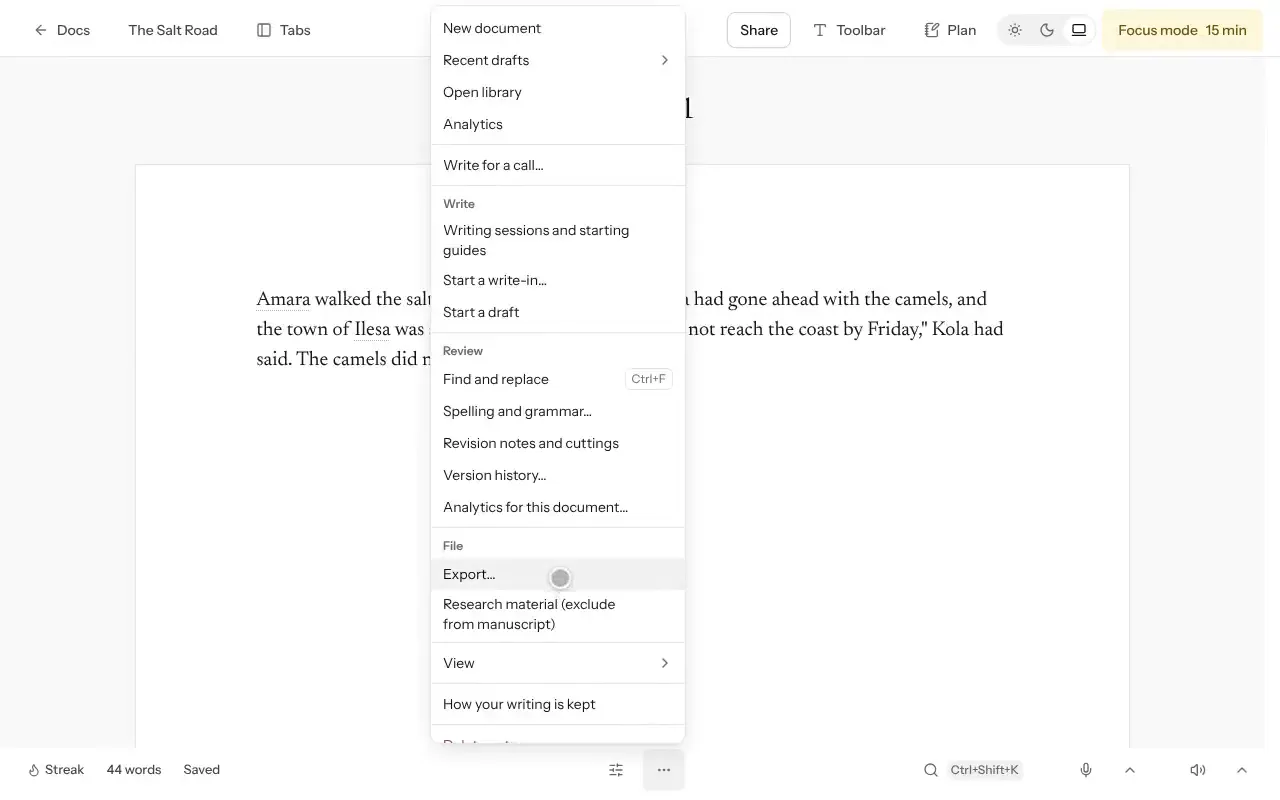
Open the document, select More, then Export…
Choose DOCX, EPUB, Plain text or Print / PDF. Scripts can also use Final Draft or Fountain.
Select Preview export to check the result before downloading.
Before sending your file
Most magazines ask for DOCX or PDF; check the call’s requirements. Preview your export, particularly if you’re sending it to an editor or printer.
Good to know
- Print / PDF preserves your page layout. DOCX, EPUB and plain text don’t preserve the positions of canvas boxes.
- Reader’s name places the recipient’s name faintly on each page.
- Crop marks and bleed is intended for professional printing.
Was this article helpful?