Use focus mode
Updated November 12, 2026 · 1 min read
Focus mode puts your writing on screen without the usual distractions. You can also use a timer.
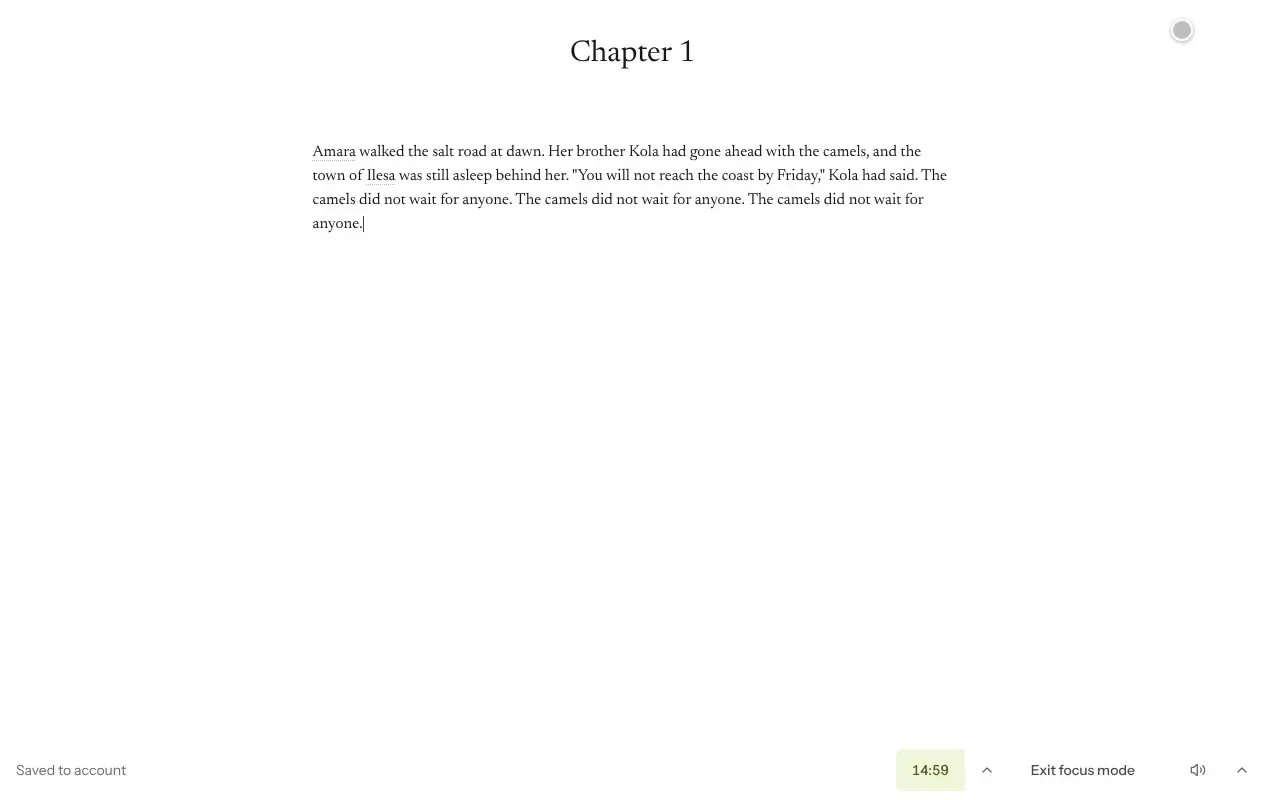
Open a document and select Focus mode. The session length appears at the top.
Change Timer length if you want a shorter or longer session.
Select Exit focus mode to return to the normal view.
Select Full screen for a more immersive view. If the word count distracts you, use Hide the word count while drafting.
Was this article helpful?