How your writing is saved
Updated November 12, 2026 · 1 min read
Docs saves changes while you write, including when your connection drops. Check the save status at the bottom of your document before closing the tab.
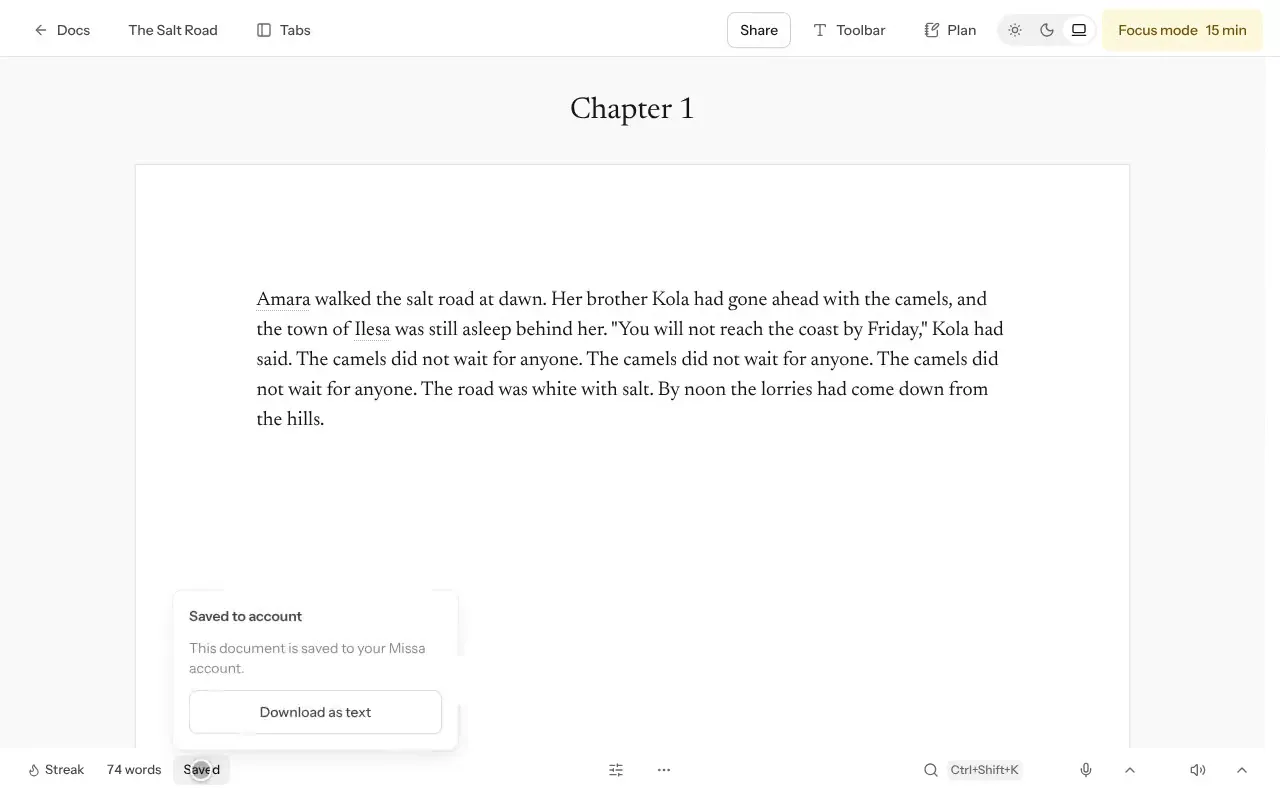
- Saved means your latest changes are stored in Missa and available on your other devices.
- On this device means you’re offline or the changes haven’t reached your account yet. They’re stored in this browser and will sync when possible.
- Needs attention means Missa couldn’t save to your account. Export a copy from More, then Export…, while you resolve the problem.
Working across devices
If you’ve been offline, reopen the document when you’re connected so the changes can sync. Missa retains versions when a document is edited on two devices or by multiple people.
Deleted documents first go to Trash, where you can restore them.
Was this article helpful?