Read aloud and dictate
Updated November 12, 2026 · 1 min read
Hear your writing read back to you, or speak your words onto the page.
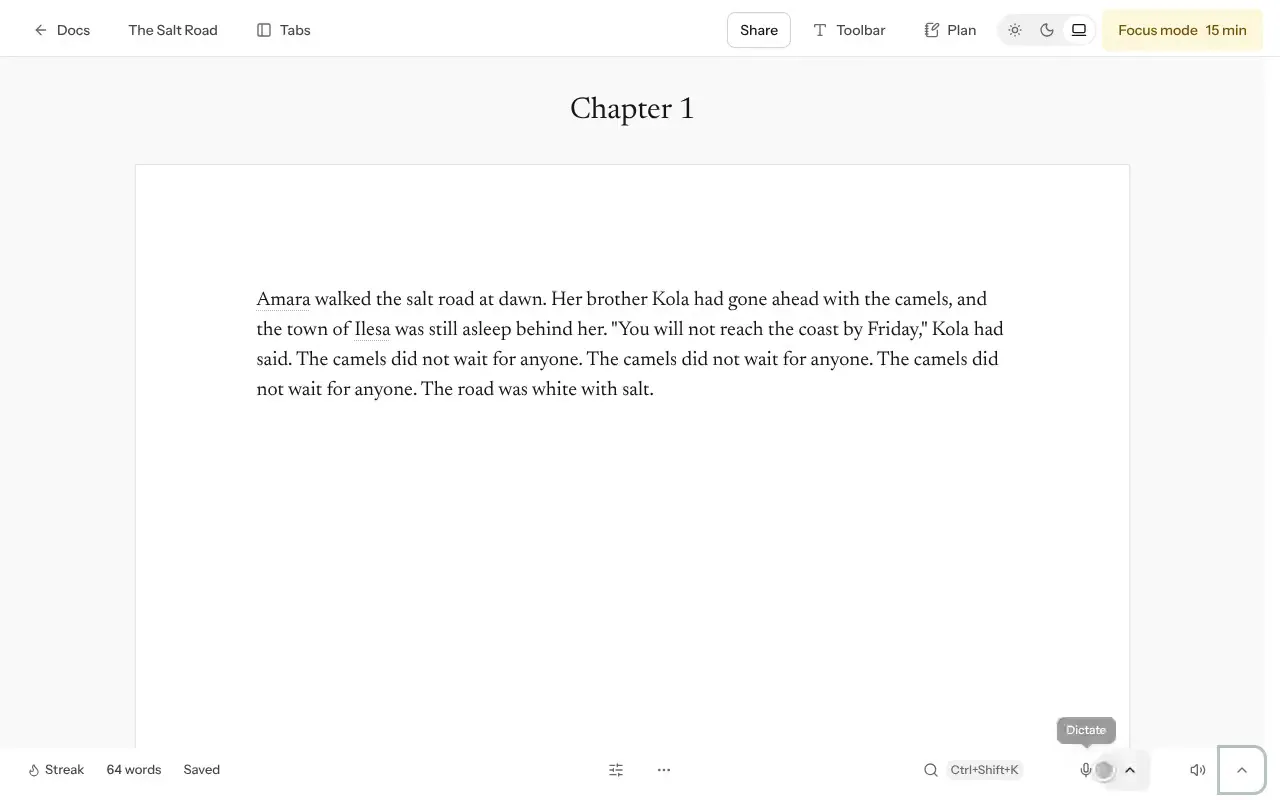
Read aloud
Open a document and select Read aloud. To hear only part of it, select those words first.
Choose a Voice and Speed under Listening settings.
Select Pause read aloud or Stop read aloud when you want to stop.
Dictate
Select Dictate and allow microphone access.
Speak. Your words appear where the cursor is.
Select Stop dictating when you’re done.
Good to know
- Read aloud availability depends on your plan. See Pricing.
- Dictation quality varies by language and browser.
Try listening to a draft before sending it. Hearing a sentence can make awkward phrasing easier to catch.
Was this article helpful?