Join a writing group
Updated November 12, 2026 · 1 min read
Writing groups let writers share drafts and give one another feedback.
Start a group
In Docs, open Writing groups and select Start a group.
Enter a Group name, Your name in the group and, if useful, How often you swap. Select Start group.
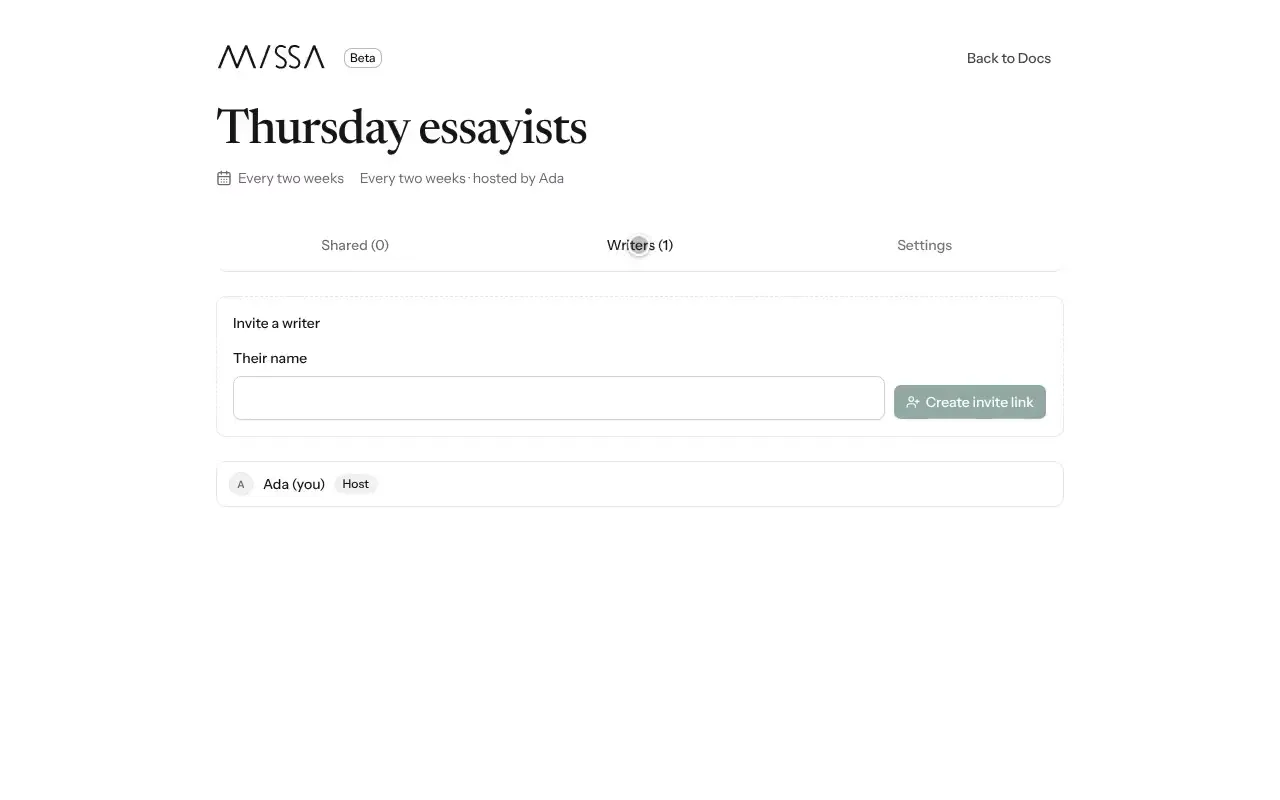
Open Writers, enter the writer’s name and select Create invite link. Send each writer their own link.
Share a document
In the group, select Share a document and choose one of your documents.
Add a note about the feedback you’d like, if you have something specific in mind.
Good to know
The group receives a copy of the document as it is when you share it. Later edits stay in your own copy until you share again. Leaving a group removes the work you shared with it, but not the original documents in your account.
A small group with a regular exchange schedule is usually easier to keep active.
Was this article helpful?