Show your writing history
Updated November 12, 2026 · 1 min read
Analytics records how a document changes across versions. You can share that history when a reader or prize asks about your writing process.
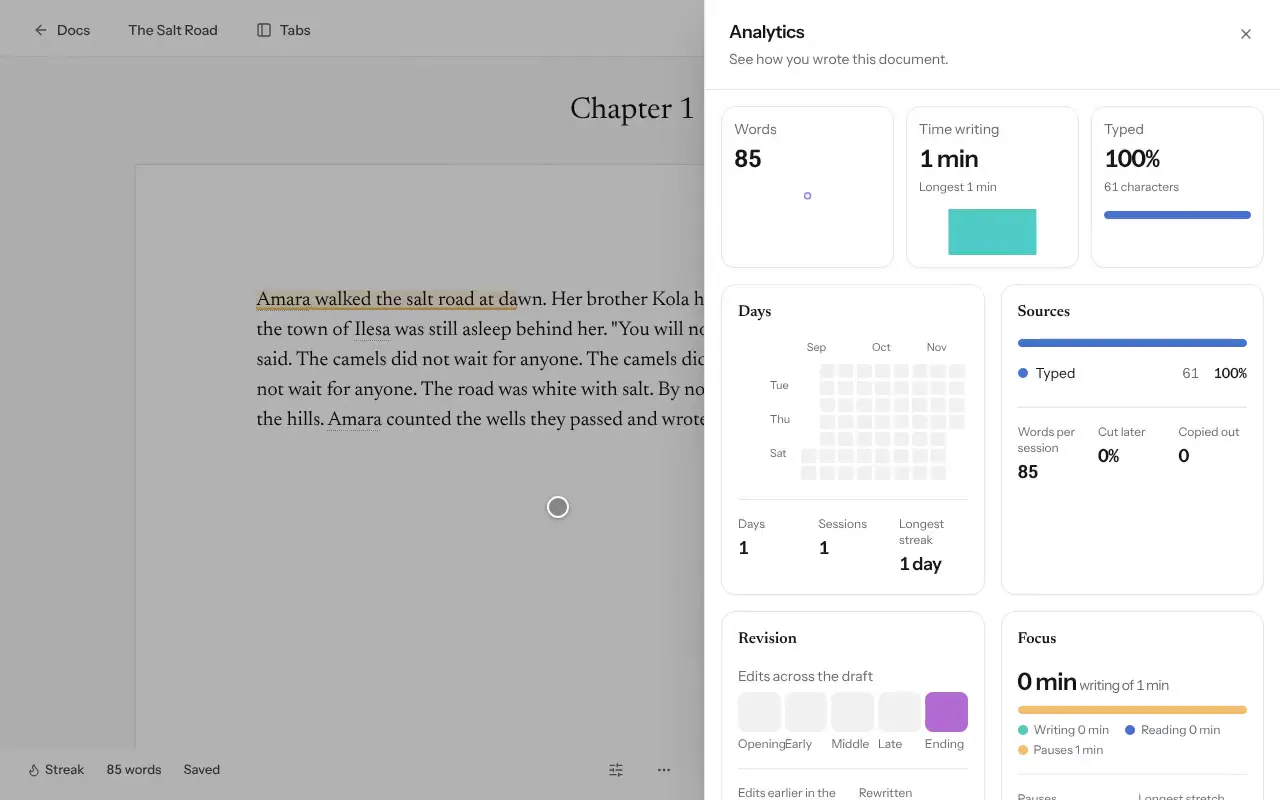
Open the document, select More, then Analytics for this document…
Select Share these analytics, then Create link.
Send the link to the reader or organization.
What the link shows
The link contains charts and numbers about the document’s history, not its text or your name. Turn on Hide dates to replace calendar dates with Day 1, Day 2 and so on.
To capture the full drafting history, work in Docs from the first draft. Some calls request an Analytics link as part of their submission form.
Analytics provides evidence of a document’s revision history; it is not an independent guarantee of authorship.
Was this article helpful?