Organize documents into projects
Updated November 12, 2026 · 1 min read
Use a project to keep the documents for a book, collection or script together, in manuscript order.
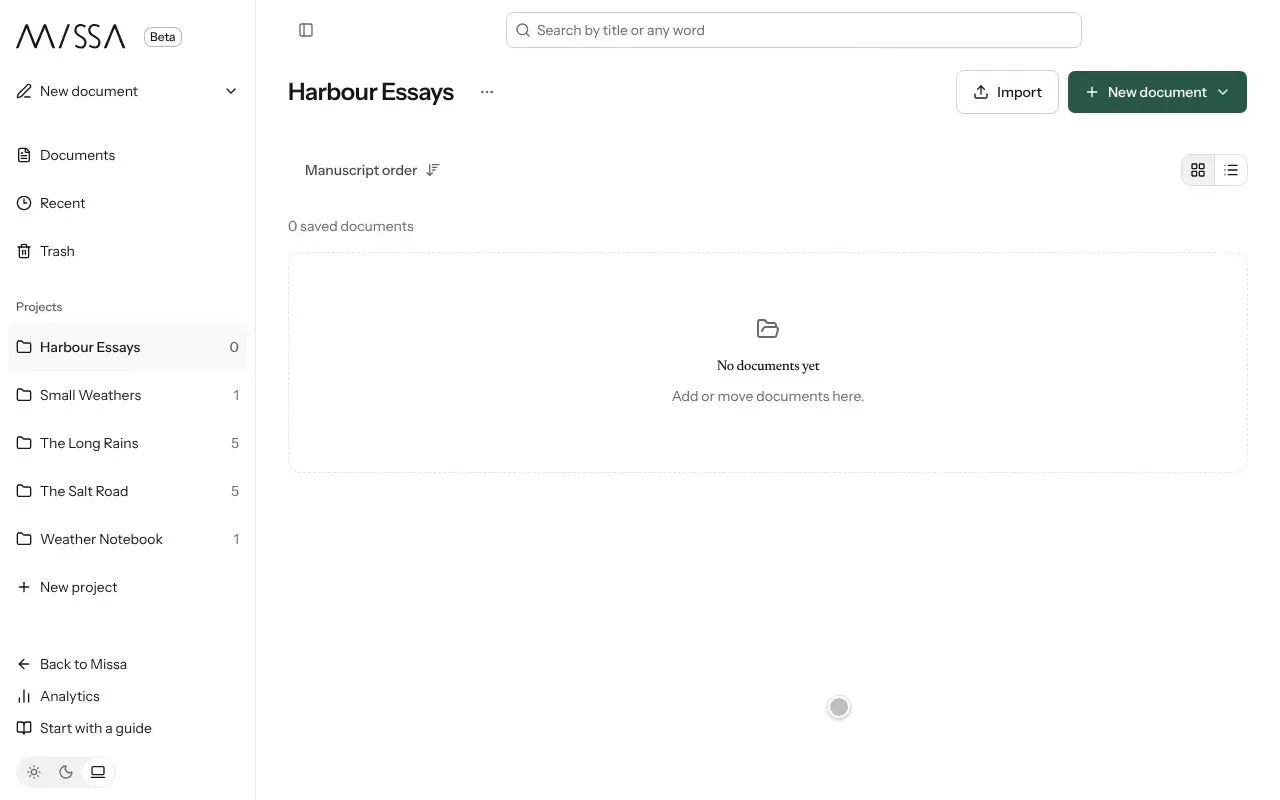
In Docs, select New project and give it a name.
Add documents or move existing ones from Documents.
Open the project and drag documents into Manuscript order.
Good to know
- Research and notes can stay in the project without appearing in the manuscript. Open a document’s menu and choose Research material (exclude from manuscript).
- Select Split into chapters to divide a long document at its headings.
- Deleting a project doesn’t delete its documents. They remain in Documents.
Check the manuscript order before exporting the project.
Was this article helpful?