Start a write-in
Updated November 12, 2026 · 1 min read
A write-in is a timed session where writers work alongside one another and can see each other’s word counts.
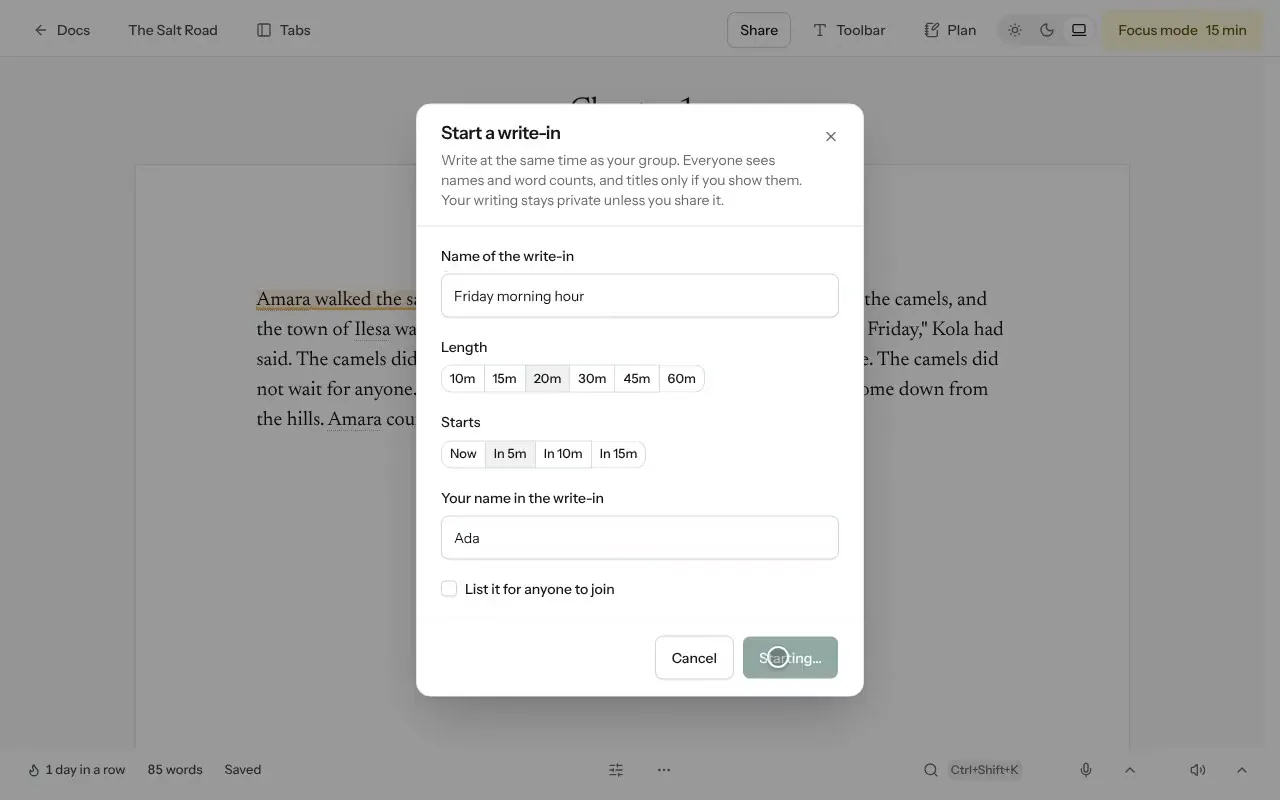
Open a document, select More, then Start a write-in…
Enter a name, choose the Length and set when it Starts.
Select Start write-in. Missa copies a link you can share.
Other writers select Join to take part.
Privacy
Only names and word counts are shared automatically. Writers share an excerpt only when they select Share what I wrote.
Select List it for anyone to join if you want to open the session to other Missa writers. You can arrange regular write-ins or keep one session as short as 30 minutes.
Was this article helpful?