Start a document
Updated November 12, 2026 · 1 min read
Write poems, stories, essays, novels and scripts in Docs.
Select Docs in the menu.
Select New document, then Blank document. You can also choose a project, such as Novel or Screenplay.
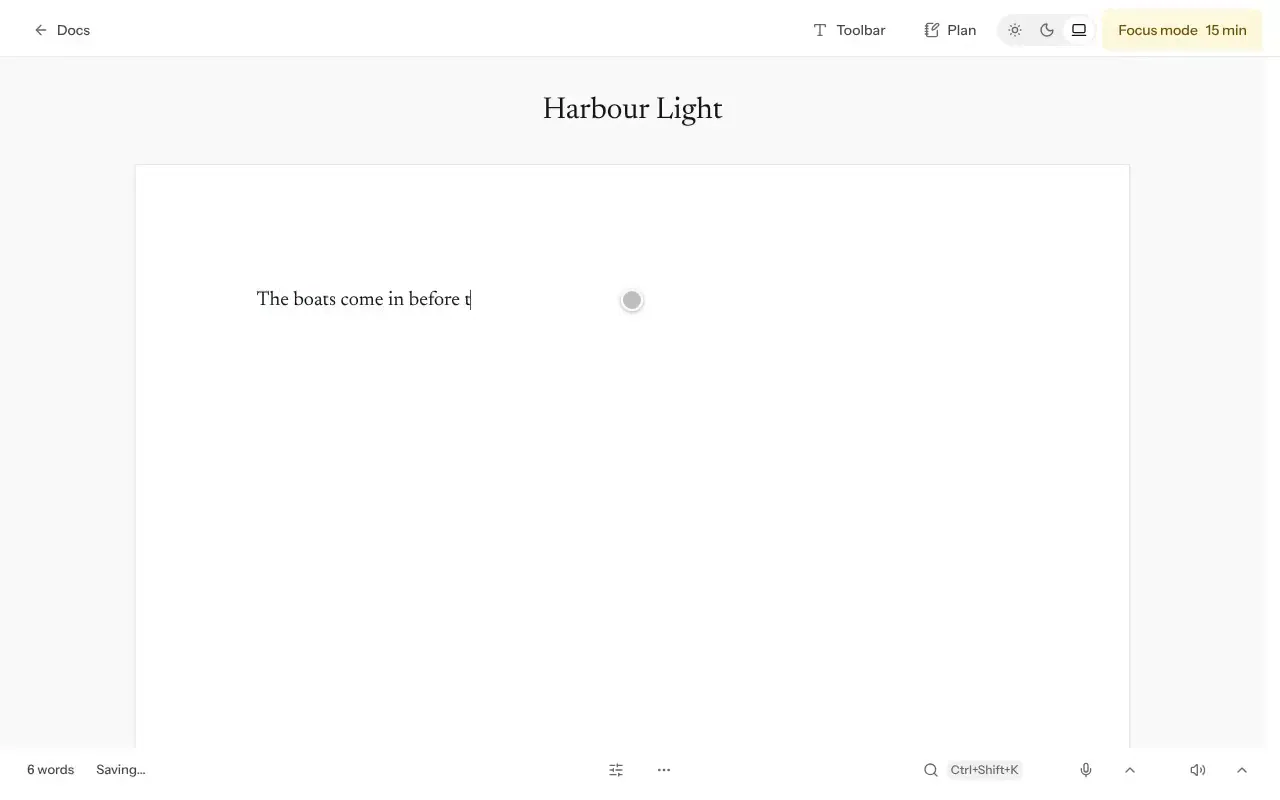
Replace Untitled with a title and start writing.
Good to know
- Docs saves while you type. Check the save status at the bottom of the page before closing your document.
- Use Search by title or any word to find writing.
- Switch between Grid view and List view, and sort by Last edited, Last opened or Title A–Z.
- Select Start with a guide if you want help beginning.
For a longer work, you can use a project to organize separate chapters.
Was this article helpful?