Write a script
Updated November 12, 2026 · 1 min read
Docs formats screenplays and stage plays as you write. Scripts can be exported to Final Draft or Fountain.
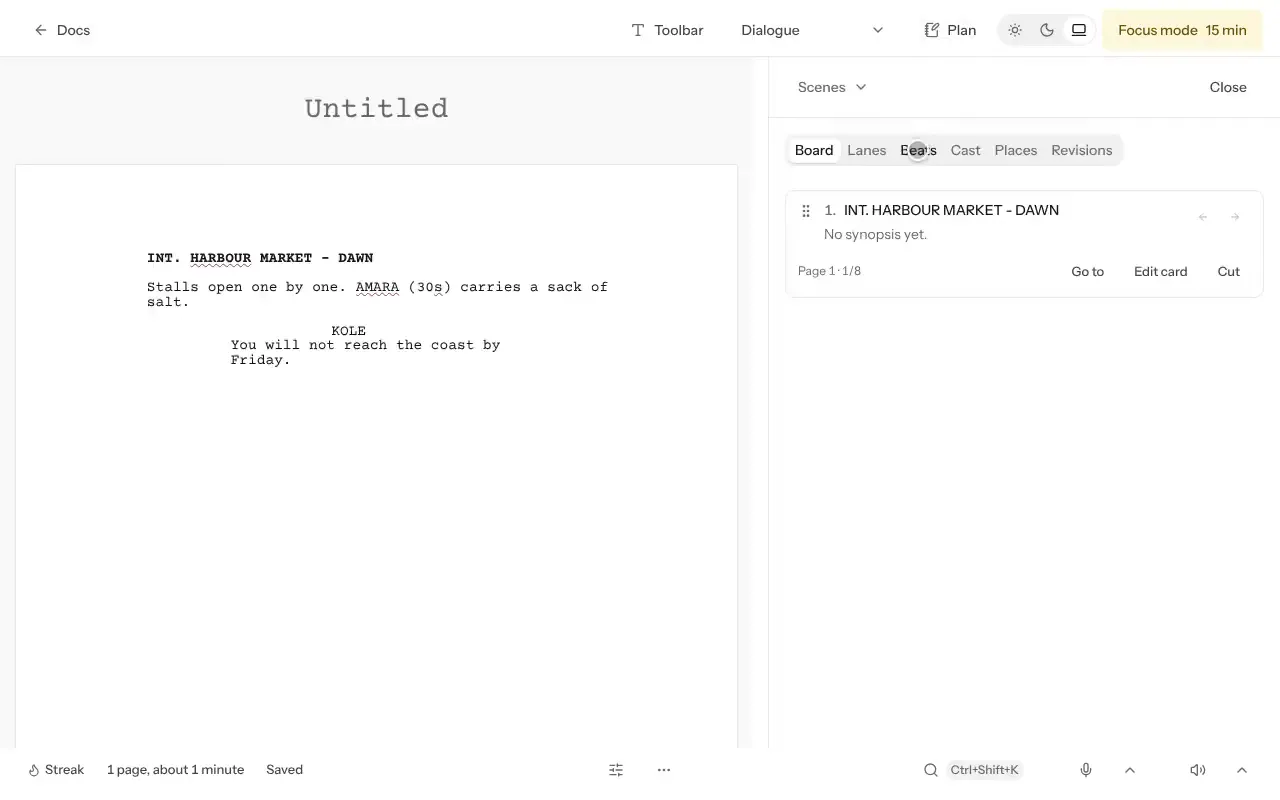
Open a document, open Toolbar, then Layout, then Script format, and choose Screenplay or Stage play.
Write a scene heading. Use Tab or Shift+Tab to change the type of line you’re writing, such as Scene, character, dialogue or Direction.
Add a Title page. It appears before page one and is included in exported script files.
Work with scenes
Each scene heading appears as a card under Scenes. Drag cards to change scene order; the script updates with them. Use lanes to follow a storyline or character through the script.
You can export to Final Draft or Fountain, or print sides for an actor. Check the scene order before exporting.
Was this article helpful?